

New: Refer to a counsellor
What it is
Tell the counsellors who you are worried about. You will be told whether the referral was taken.
Who uses it
Administrator
How to get here
Section titled “How to get here”- Sign in as Administrator (see Signing in).
- In the left menu, click Behaviour to open it.
- Click Refer to a counsellor.
What you see
Section titled “What you see”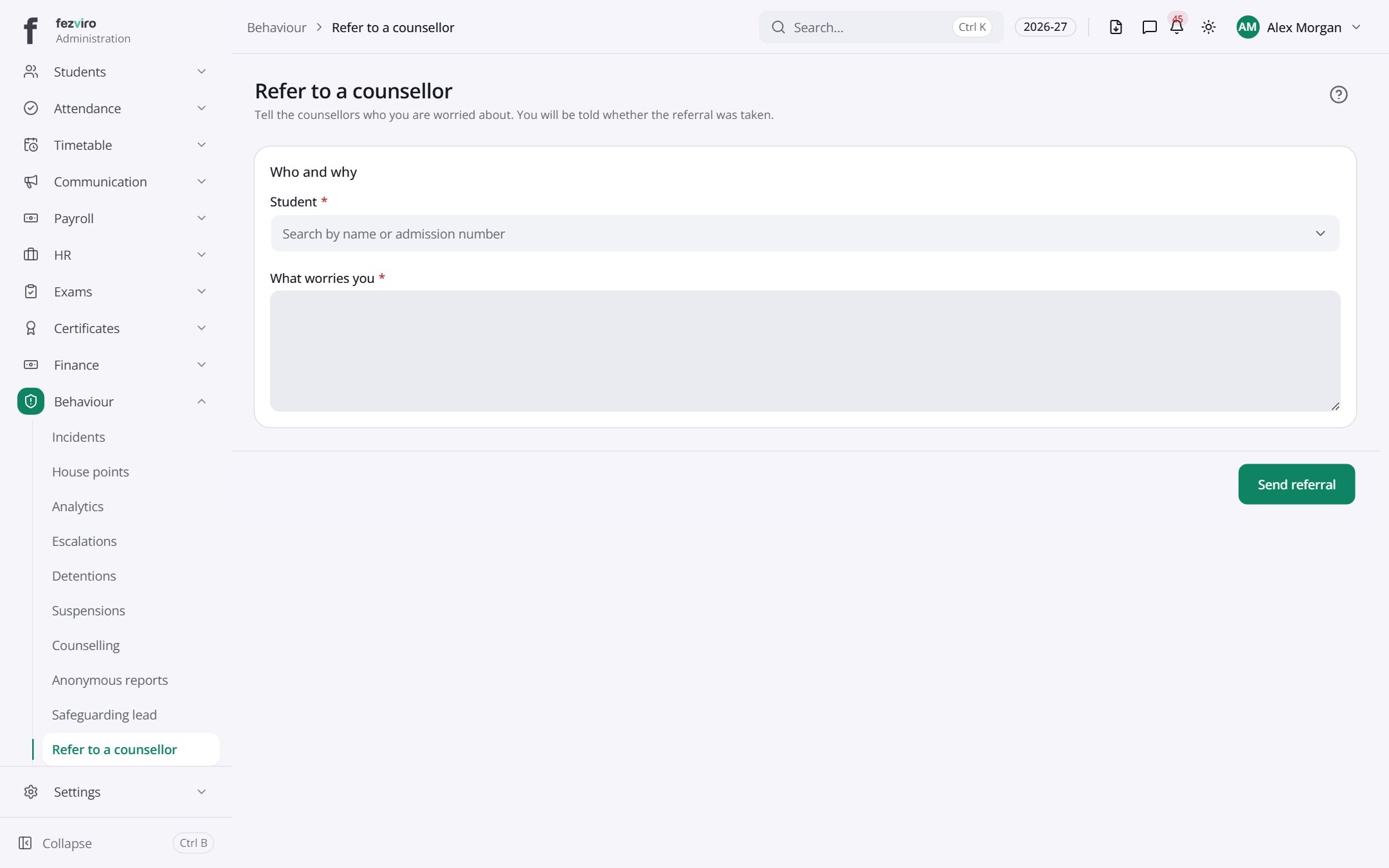
- Sections on the page: Who and why.
Filling in the form
Section titled “Filling in the form”- Click the New button at the top right.
- Fill in the boxes. Boxes marked with a red * must be filled in (2 on this form).
- Click Save at the bottom. If something is missing, the box turns red and tells you what to fix.
The fields
Section titled “The fields”| Field | Type | What to enter, and why |
|---|---|---|
| Student * | choose | Pick the student you are worried about. |
| What worries you * | long text | Describe what you have noticed, in plain words and facts. |
Types: text — type it in · number — digits only · date — click and pick from the calendar · choose — click and pick one from the list · pick one — click one of the options · switch / tick box — click to turn on or off · long text — type as much as you need · file — click to attach a file from your computer.
← Back to Behaviour overview