

Sign-in permits
What it is
Permissions allowing a person to connect a Google or Microsoft account.
Why it matters
Makes sure only approved people can link an outside sign-in.
When to use it
Administrators grant or revoke each link permission.
Who uses it
Administrator
How to get here
Section titled “How to get here”- Sign in as Administrator (see Signing in).
- In the left menu, click Platform to open it.
- Click Settings.
What you see
Section titled “What you see”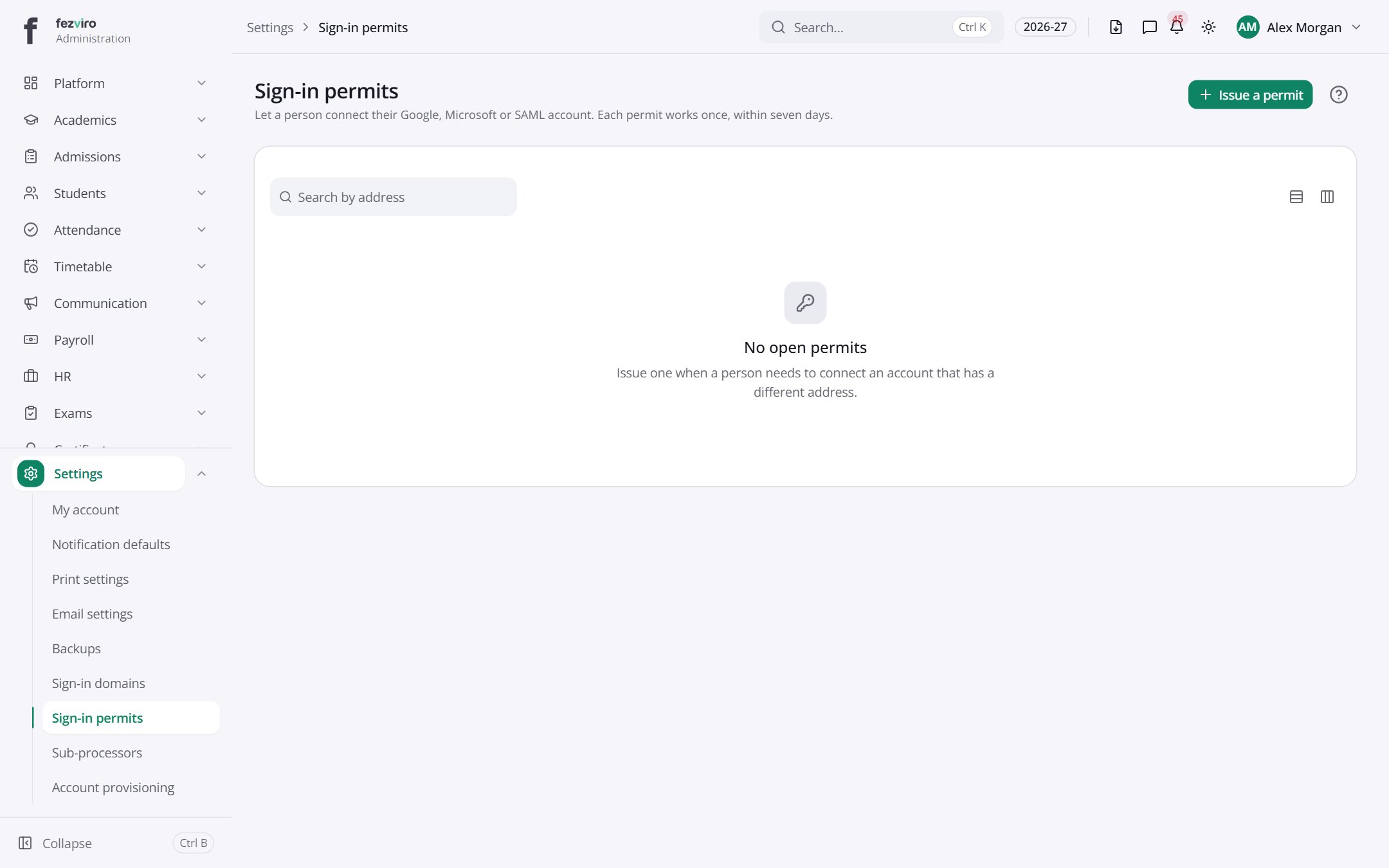
Buttons on this screen
Section titled “Buttons on this screen”- Issue a permit — opens a form to add a new one. See Filling in the form below.
← Back to Platform & Security overview