

Progress card
What it is
A family's progress cards that cover the whole child.
Why it matters
Shows parents progress beyond marks, in one clear card.
When to use it
Parents open each card their child has been given.
Who uses it
Parent
How to get here
Section titled “How to get here”- Sign in as Parent (see Signing in).
- In the left menu, click Online Learning to open it.
- Click Progress card.
What you see
Section titled “What you see”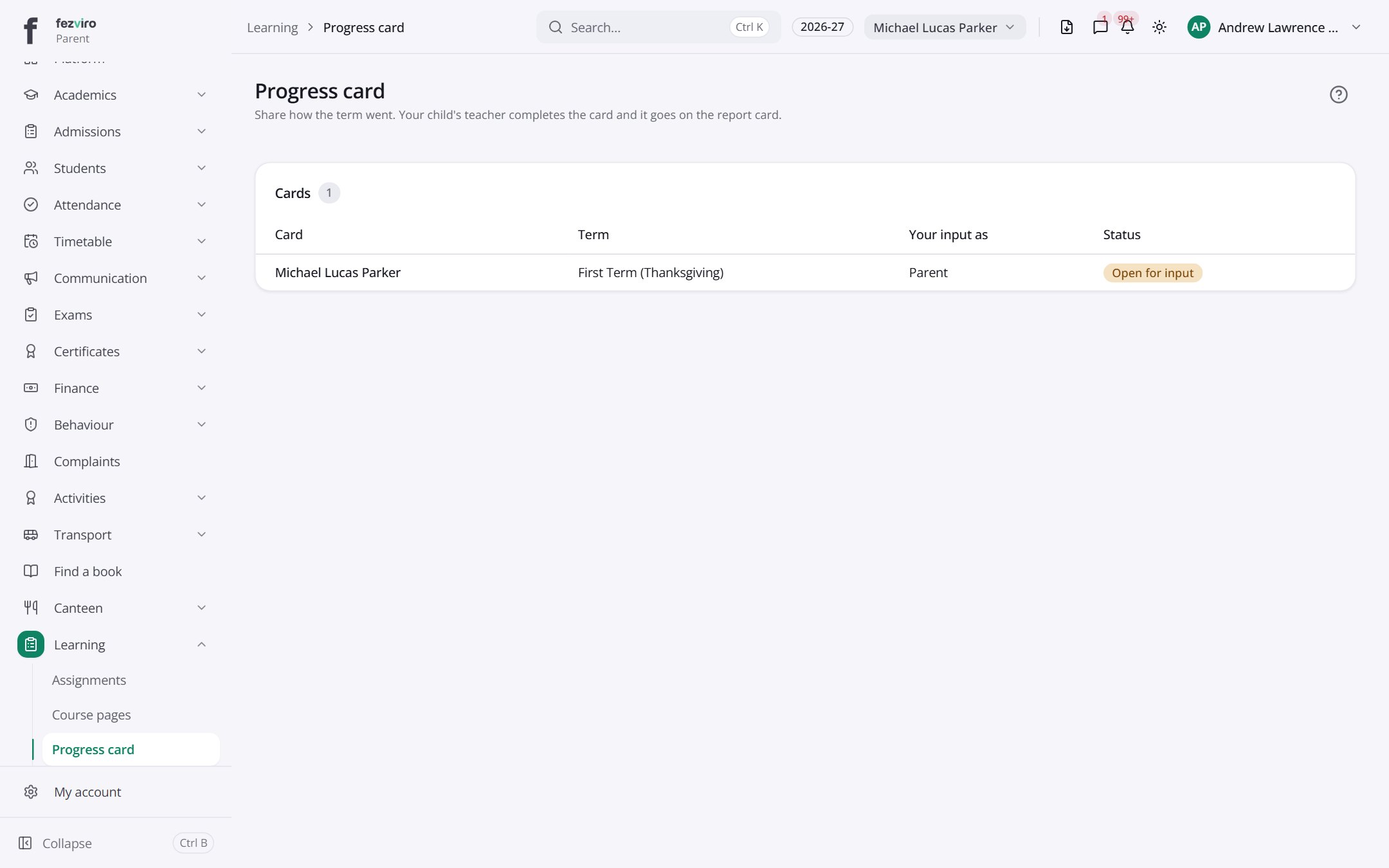
- Sections on the page: Cards.
- The list has these columns: Card, Term, Your input as, Status. Click a column name to sort by it.
← Back to Online Learning overview