

Activity sign-ups
What it is
Which pupils have joined which activity.
Why it matters
Shows who is in each club and who is waiting for a place.
When to use it
Staff confirm sign-ups and manage places when clubs fill up.
Who uses it
Administrator
How to get here
Section titled “How to get here”- Sign in as Administrator (see Signing in).
- In the left menu, click Activities to open it.
- Click Sign-ups.
What you see
Section titled “What you see”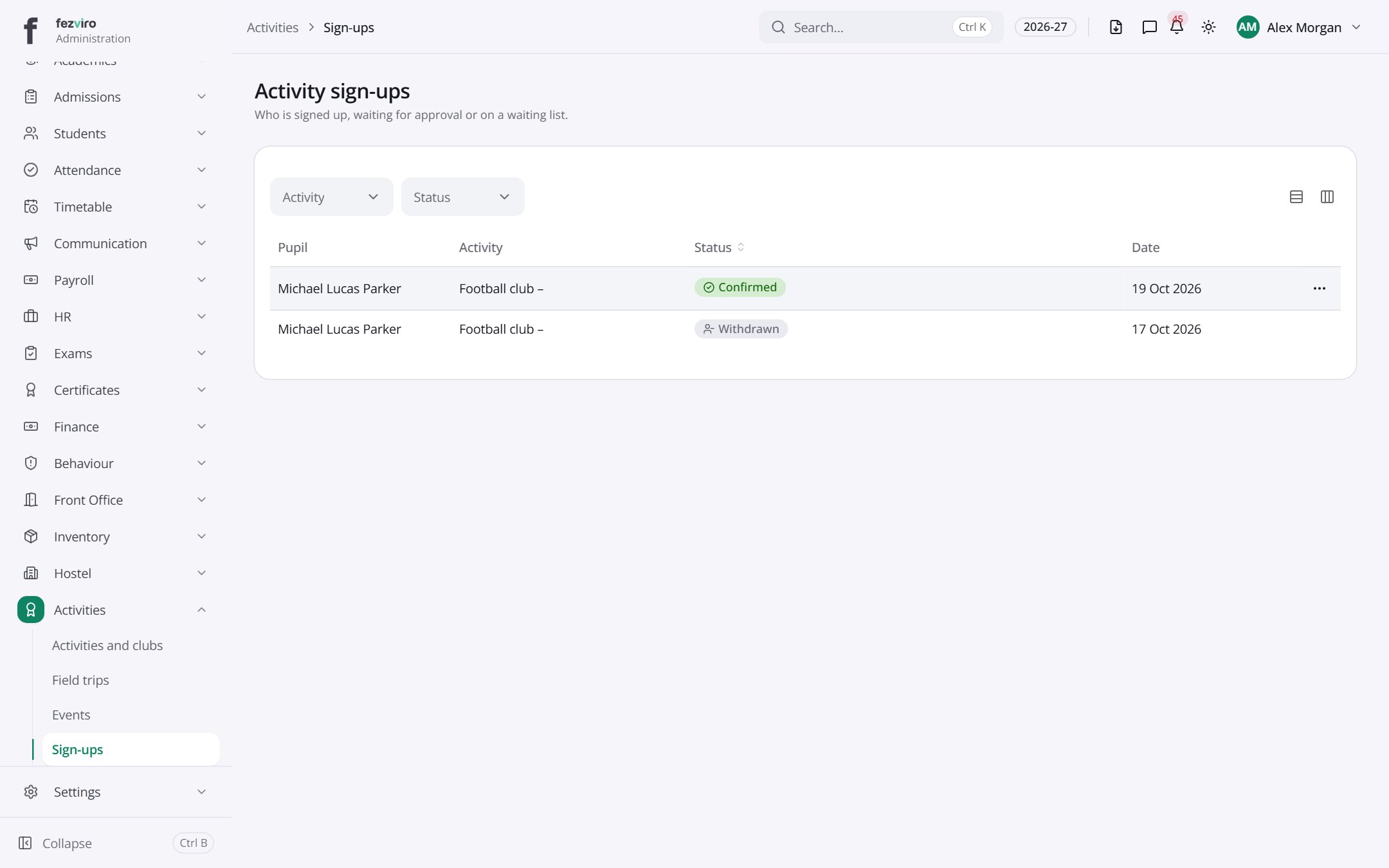
- The list has these columns: Pupil, Activity, Status, Date, Actions. Click a column name to sort by it.
← Back to Activities & Events overview