

Reference
What it is
The categories and measurement units shared by all items.
Why it matters
Keeps items described consistently, so searches and reports work.
When to use it
Store managers set these up once; each item then picks from them.
Who uses it
Administrator
How to get here
Section titled “How to get here”- Sign in as Administrator (see Signing in).
- In the left menu, click Inventory to open it.
- Click Categories and units.
What you see
Section titled “What you see”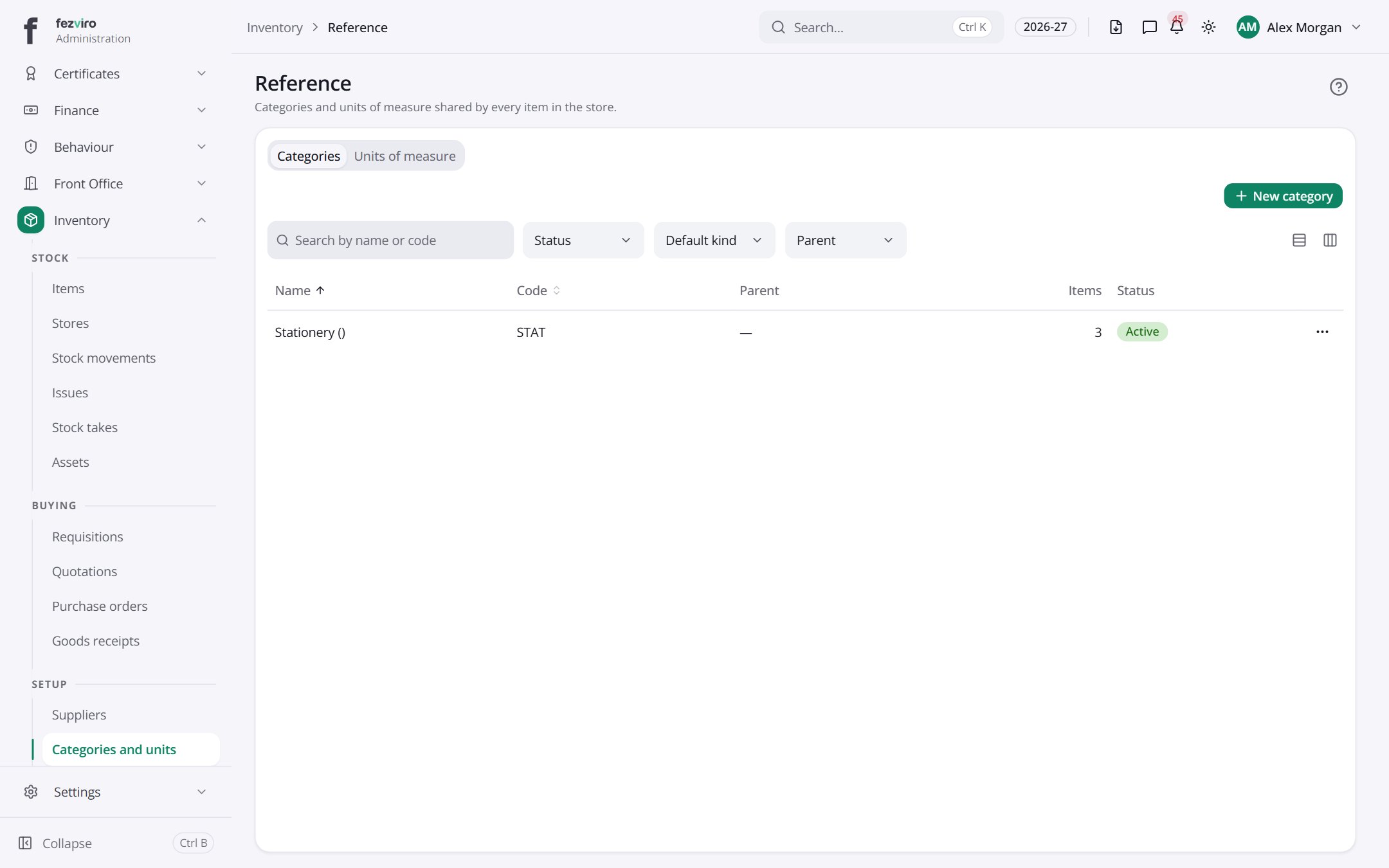
- Tabs along the top switch between views: Categories, Units of measure. Click one to change what you see.
- The list has these columns: Name, Code, Parent, Items, Status, Actions. Click a column name to sort by it.
← Back to Inventory & Assets overview