

Coverage
What it is
Lessons with no attendance marked, shown for one day at a time.
Why it matters
Finds lessons left unmarked so every class has a register.
When to use it
Leaders check each day and follow up with teachers who have missed one.
Who uses it
Administrator
How to get here
Section titled “How to get here”- Sign in as Administrator (see Signing in).
- In the left menu, click HR to open it.
- Click Coverage.
What you see
Section titled “What you see”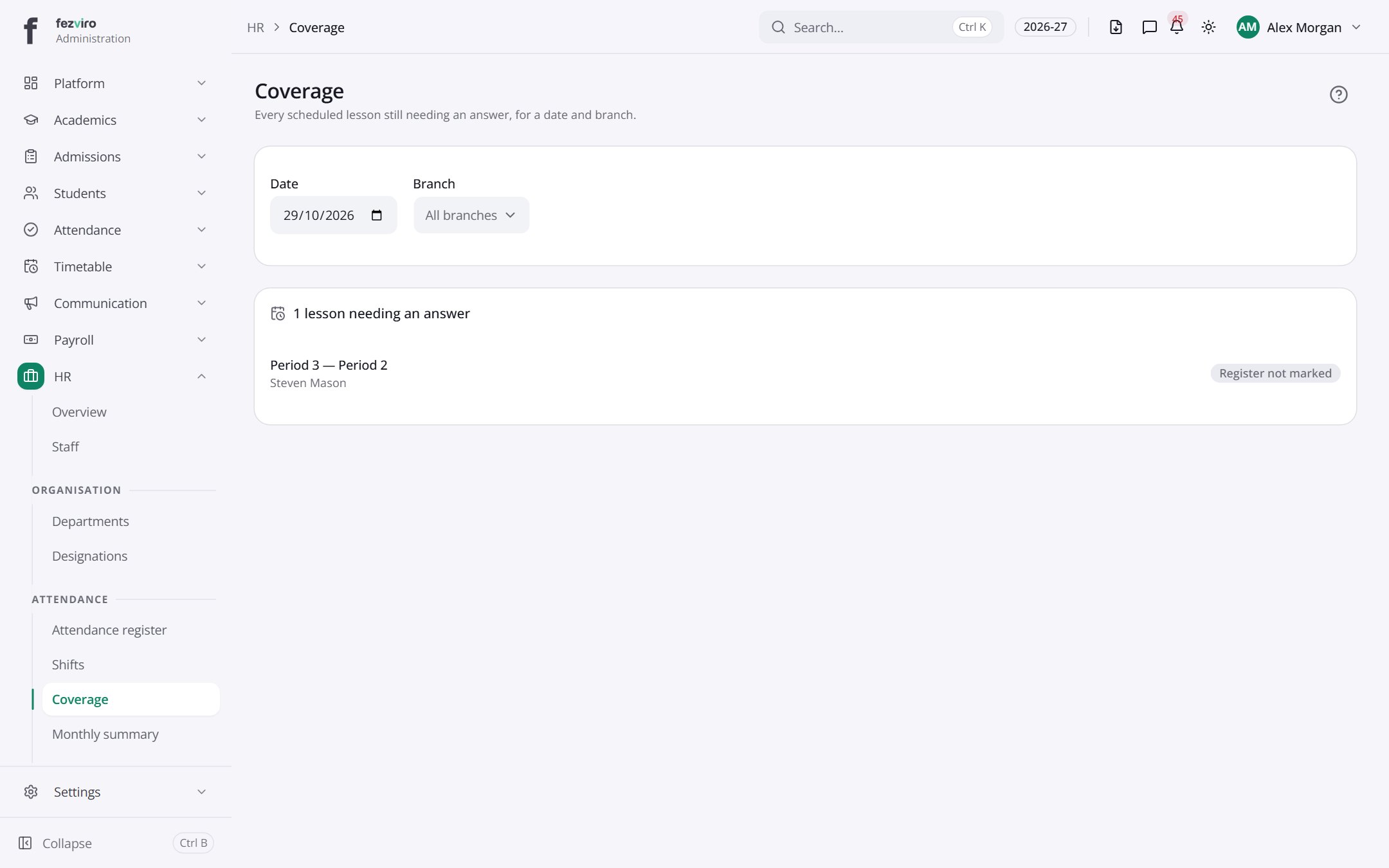
- Sections on the page: 1 lesson needing an answer.
← Back to HR & Staff overview