

Mark attendance
What it is
The daily register for your class, marked one pupil at a time.
Why it matters
Gets the day's attendance recorded quickly and accurately.
When to use it
Teachers open their class each morning and mark each pupil present or absent.
Who uses it
Administrator
How to get here
Section titled “How to get here”- Sign in as Administrator (see Signing in).
- In the left menu, click Attendance to open it.
- Click Mark attendance.
What you see
Section titled “What you see”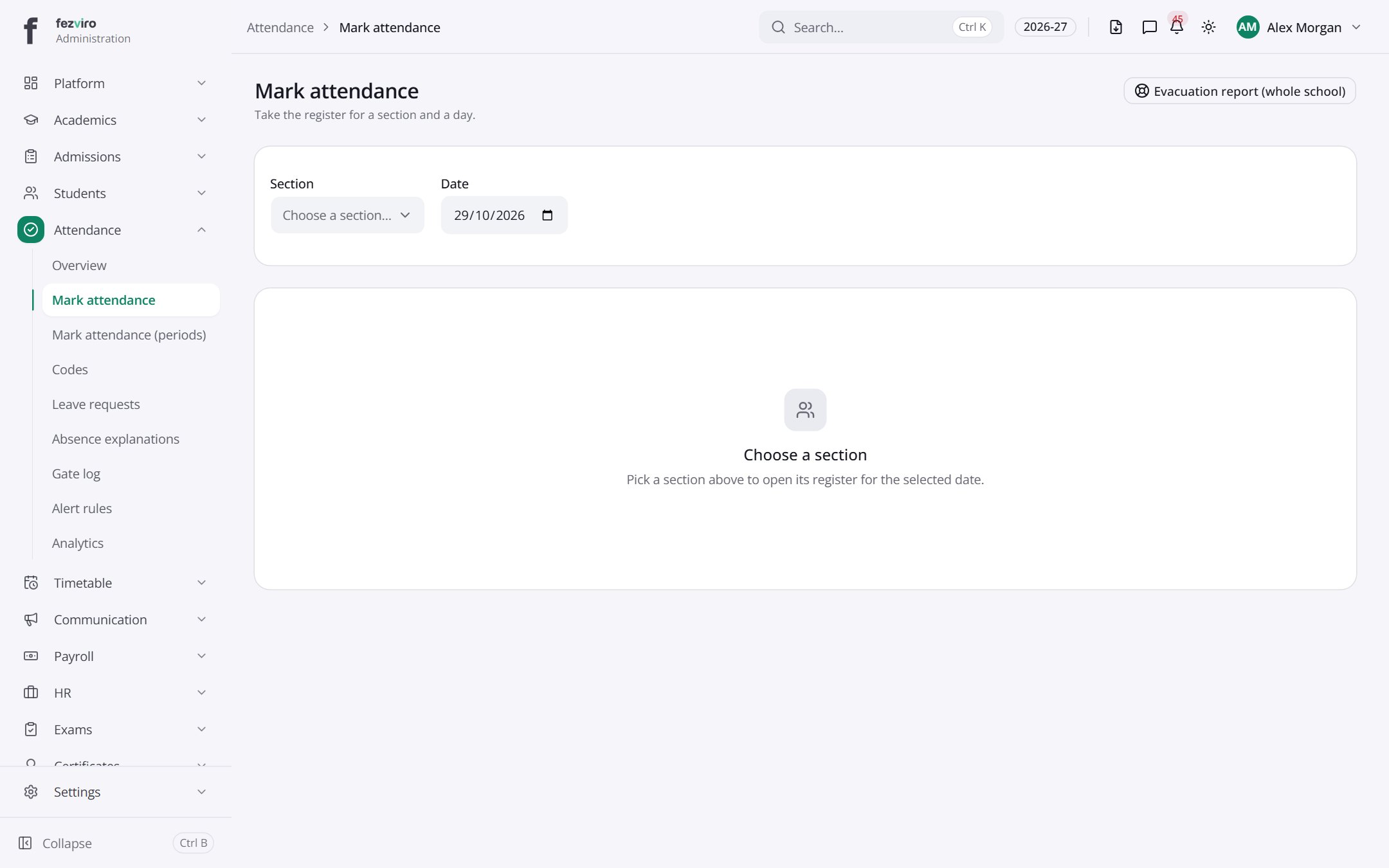
Buttons on this screen
Section titled “Buttons on this screen”- Evacuation report (whole school) — does what it says on the button.
← Back to Attendance overview