

Cover report
What it is
A report of the covers each teacher has taken over a date range.
Why it matters
Shows who is carrying extra lessons, so workload stays fair.
When to use it
Leaders review covers and hours to plan rotas.
Who uses it
Administrator
How to get here
Section titled “How to get here”- Sign in as Administrator (see Signing in).
- In the left menu, click Timetable to open it.
- Click Cover report.
What you see
Section titled “What you see”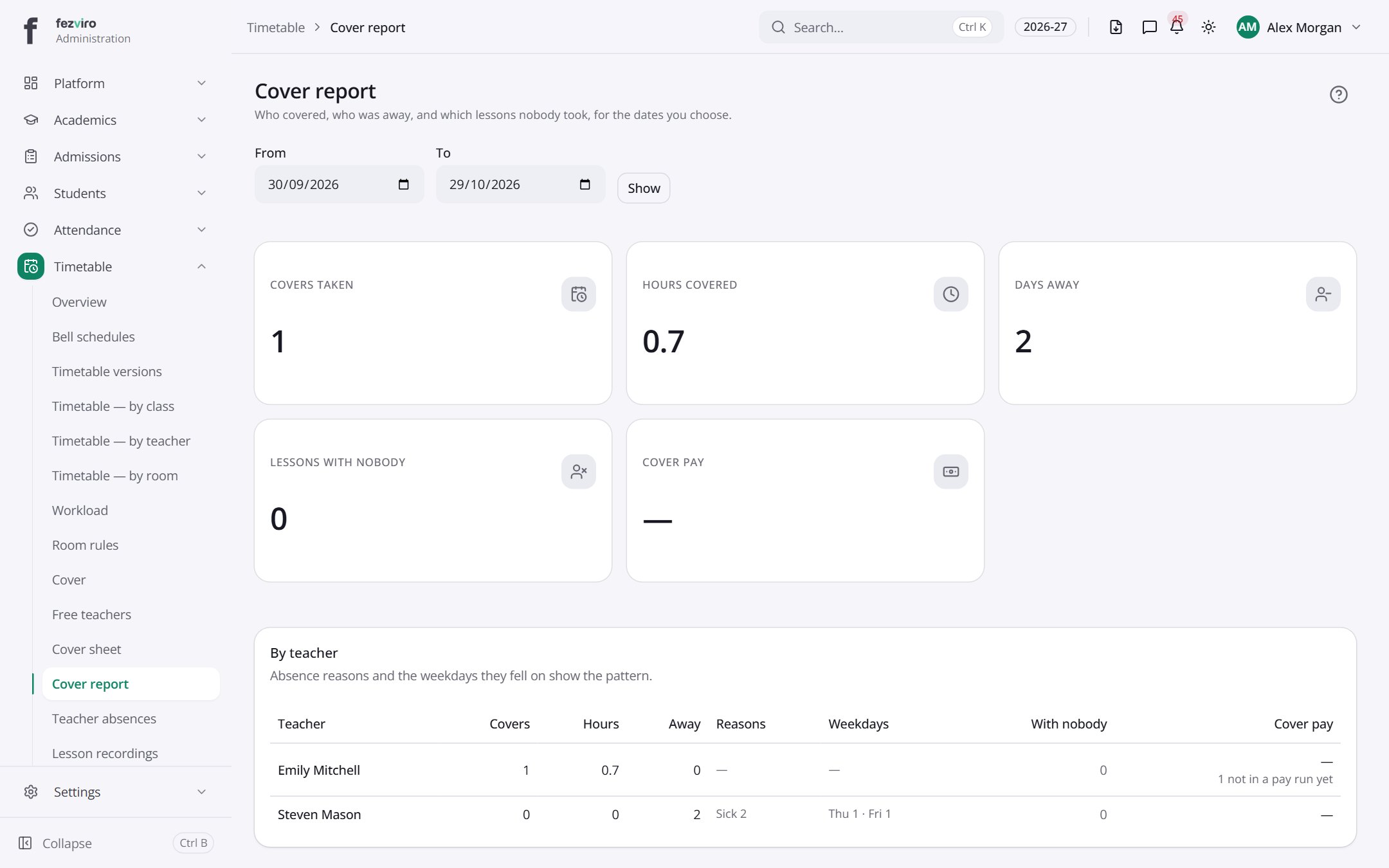
- Sections on the page: By teacher.
- The list has these columns: Teacher, Covers, Hours, Away, Reasons, Weekdays, With nobody, Cover pay. Click a column name to sort by it.
← Back to Timetable overview