

Canteen
Menus, a cashless student wallet, counter sales with allergy checks, pre-orders and meal entitlements.
👥 Canteen cashier, canteen manager, parents, students🖥️ 20 screens

What it does
Section titled “What it does”- Food items with allergens
- Weekly menu cycles
- Student canteen wallet
- Online and counter top-ups
- Daily spend limit and blocked foods
- Counter sales by card or QR
- Allergy block at counter
- Free meal credits, kept private
Its screens
Section titled “Its screens”Each screen has its own page: what it is for, how to reach it, a picture, its buttons and its form.
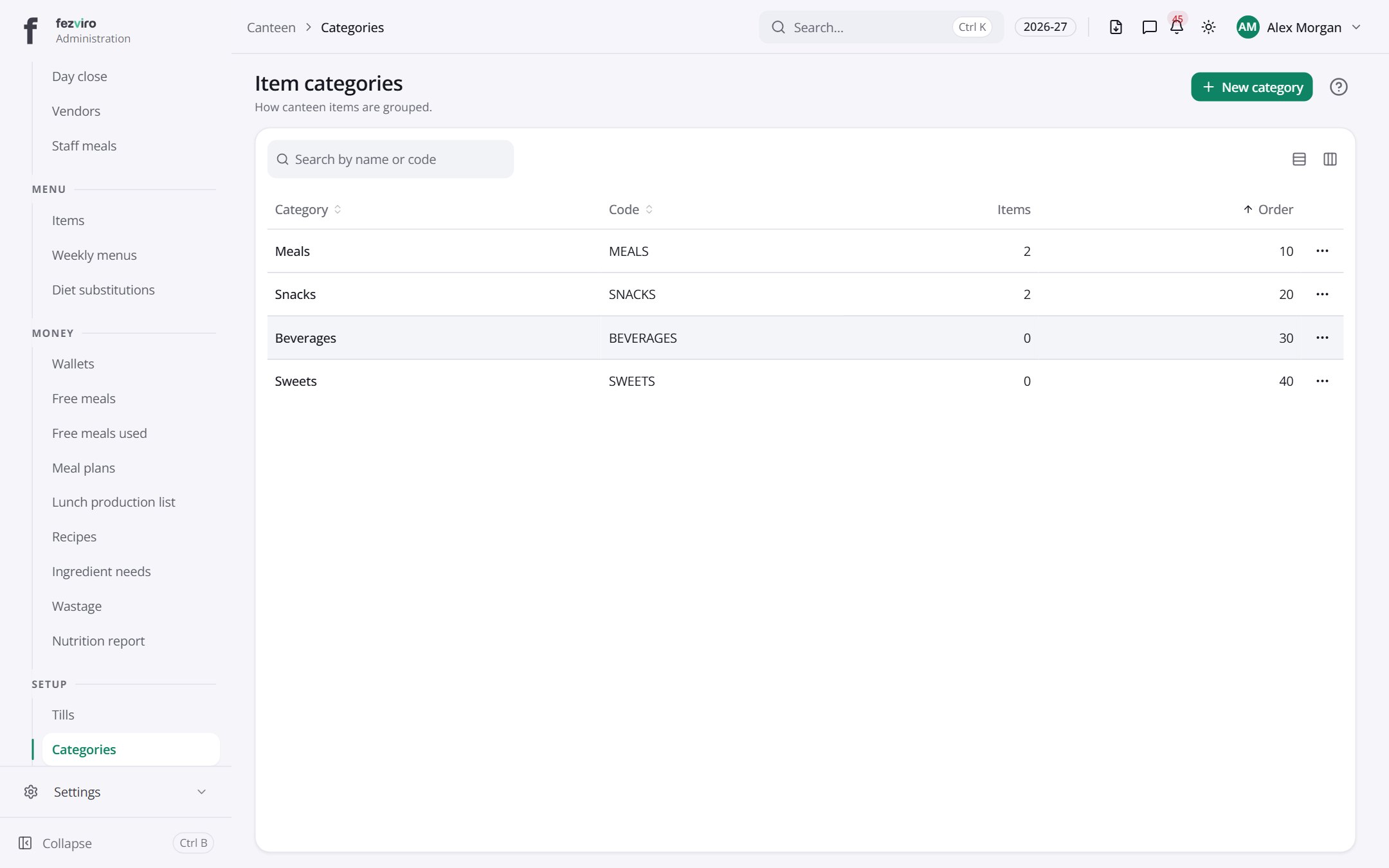 Item categoriesGroups that sort canteen items for the menu and the till.
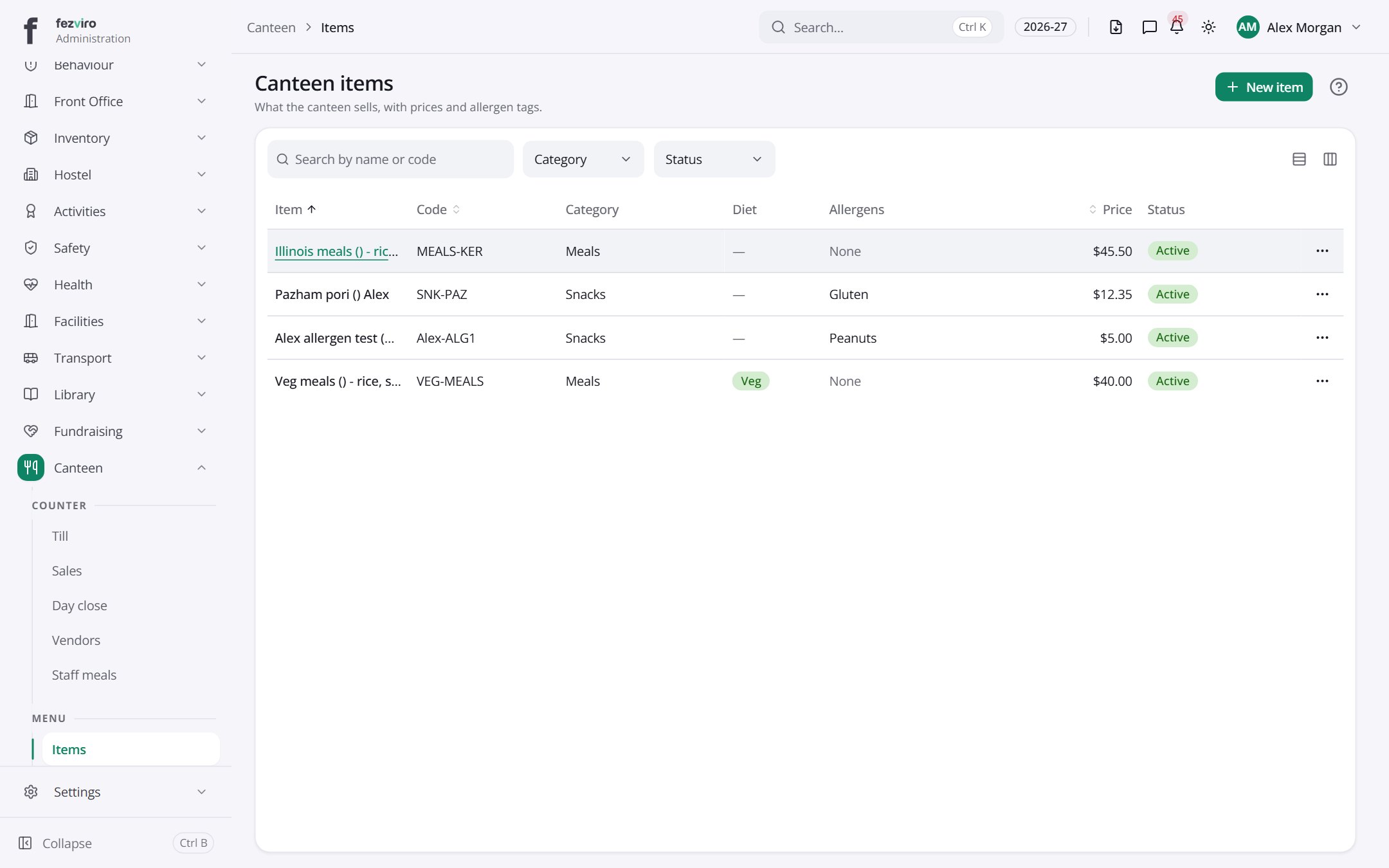 Canteen itemsEverything the canteen sells, with prices and allergen tags.
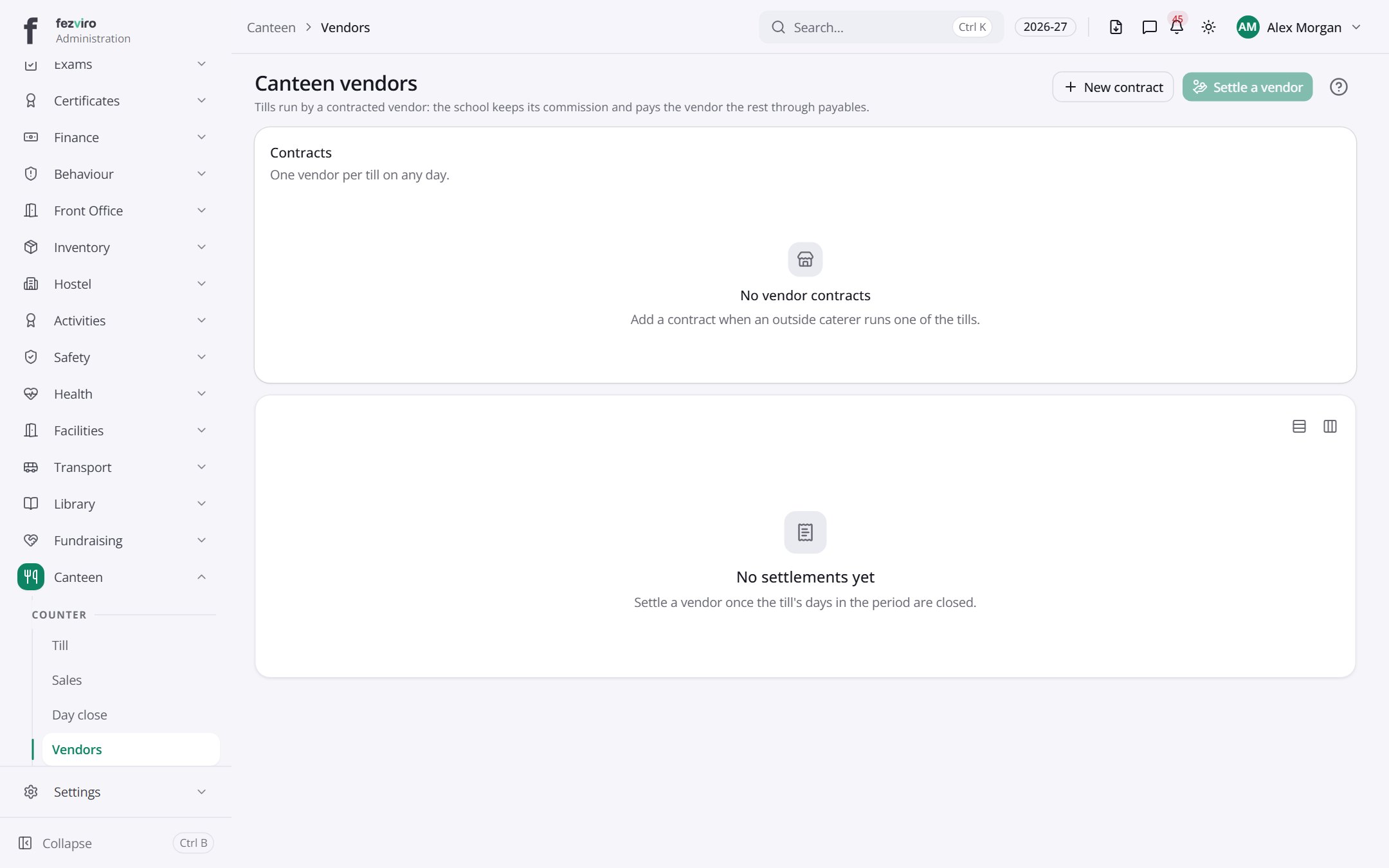 Canteen vendorsOutside suppliers who run a canteen counter for the school.
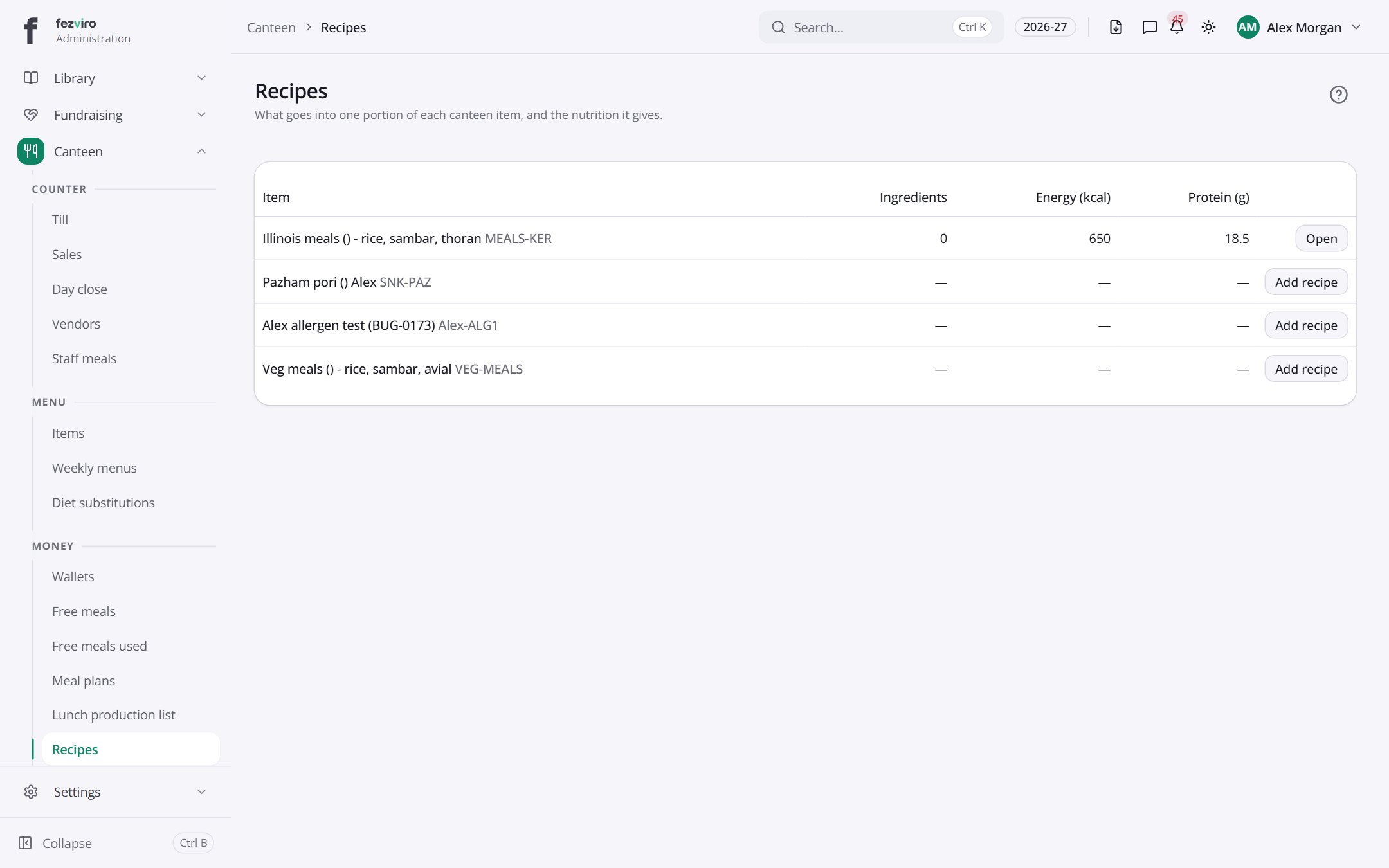 RecipesWhat goes into one portion of each canteen item.
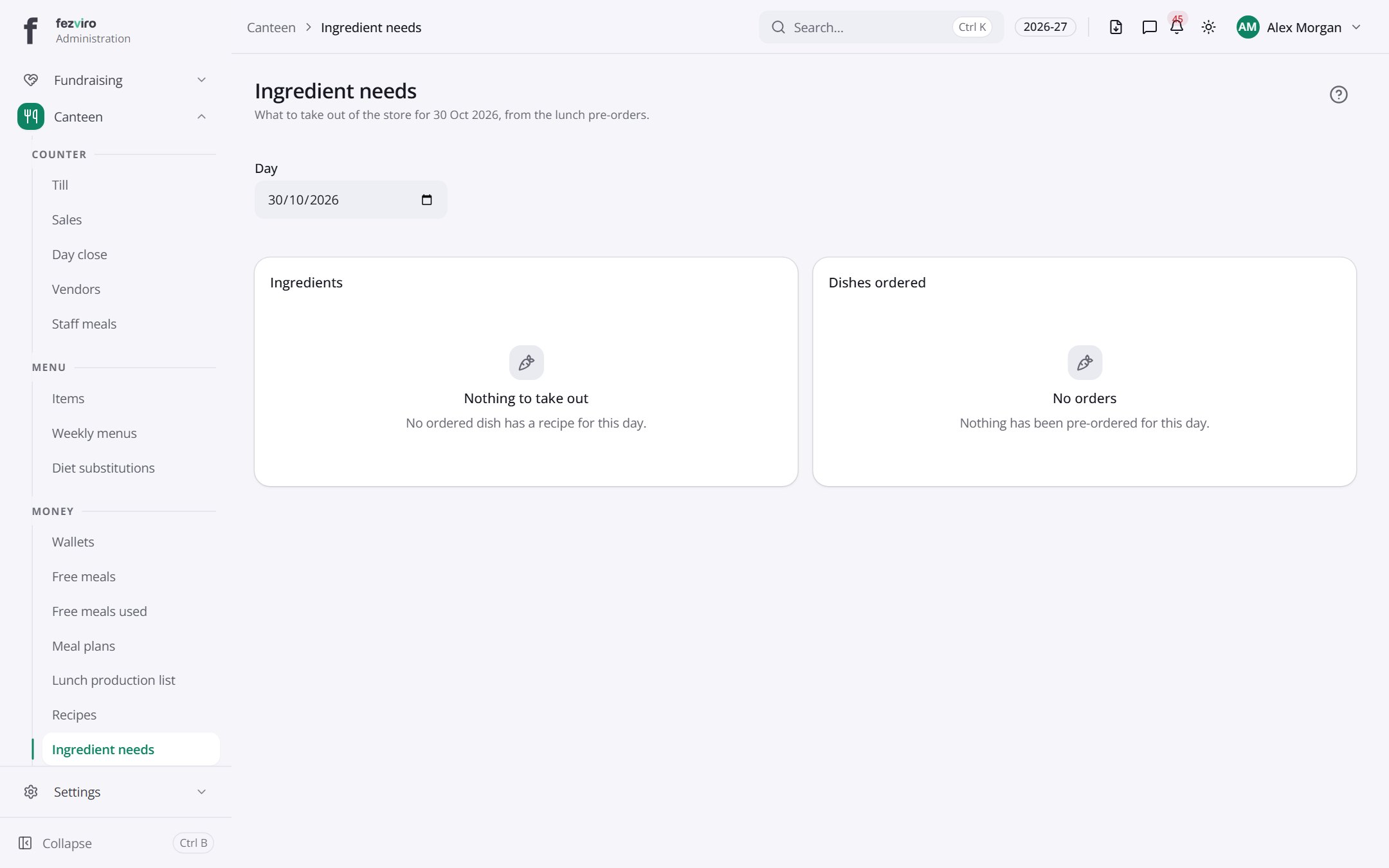 Ingredient needsThe ingredients to take from the store for the day's lunches.
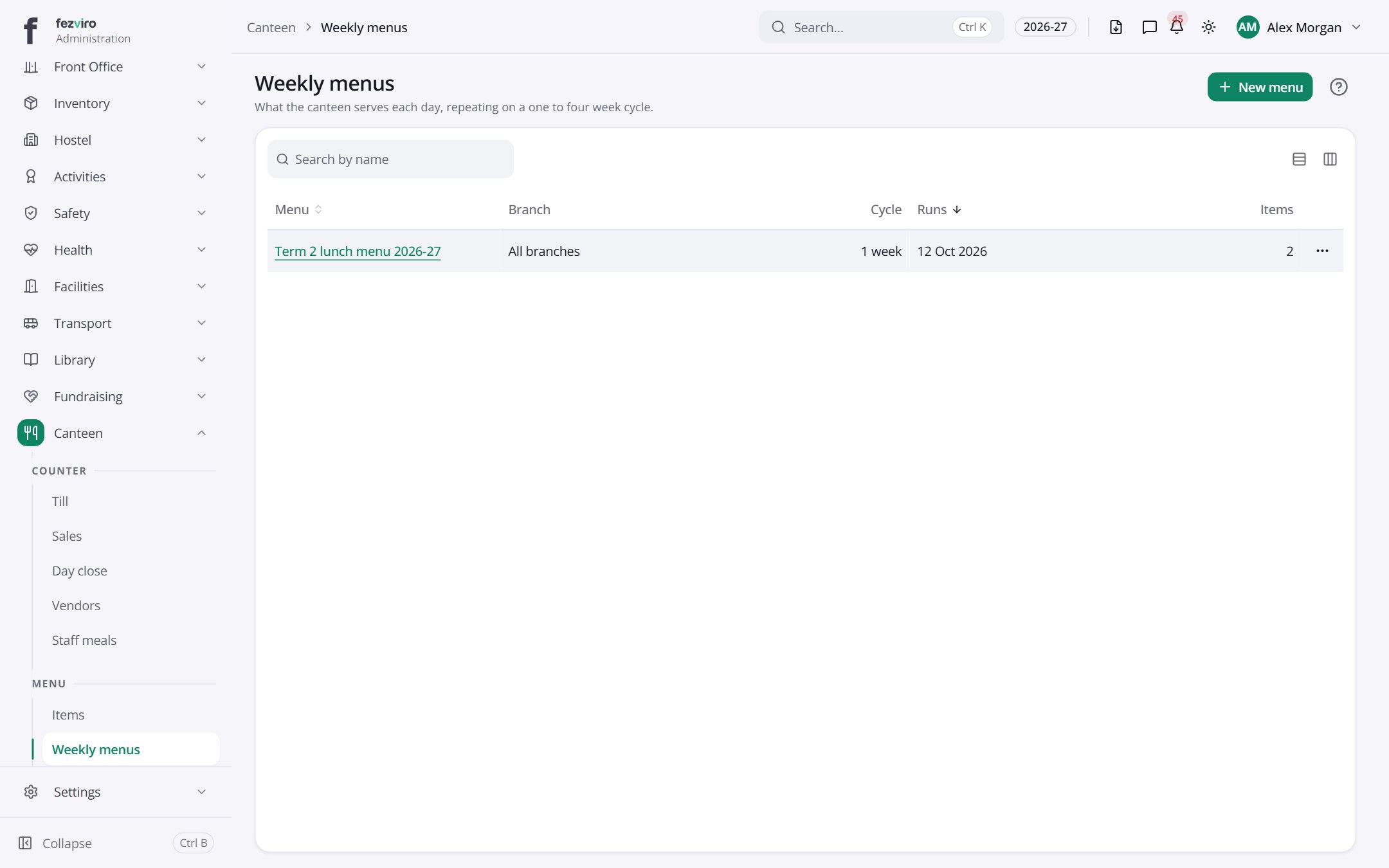 Weekly menusThe weekly lunch menu, repeating on a one to four week cycle.
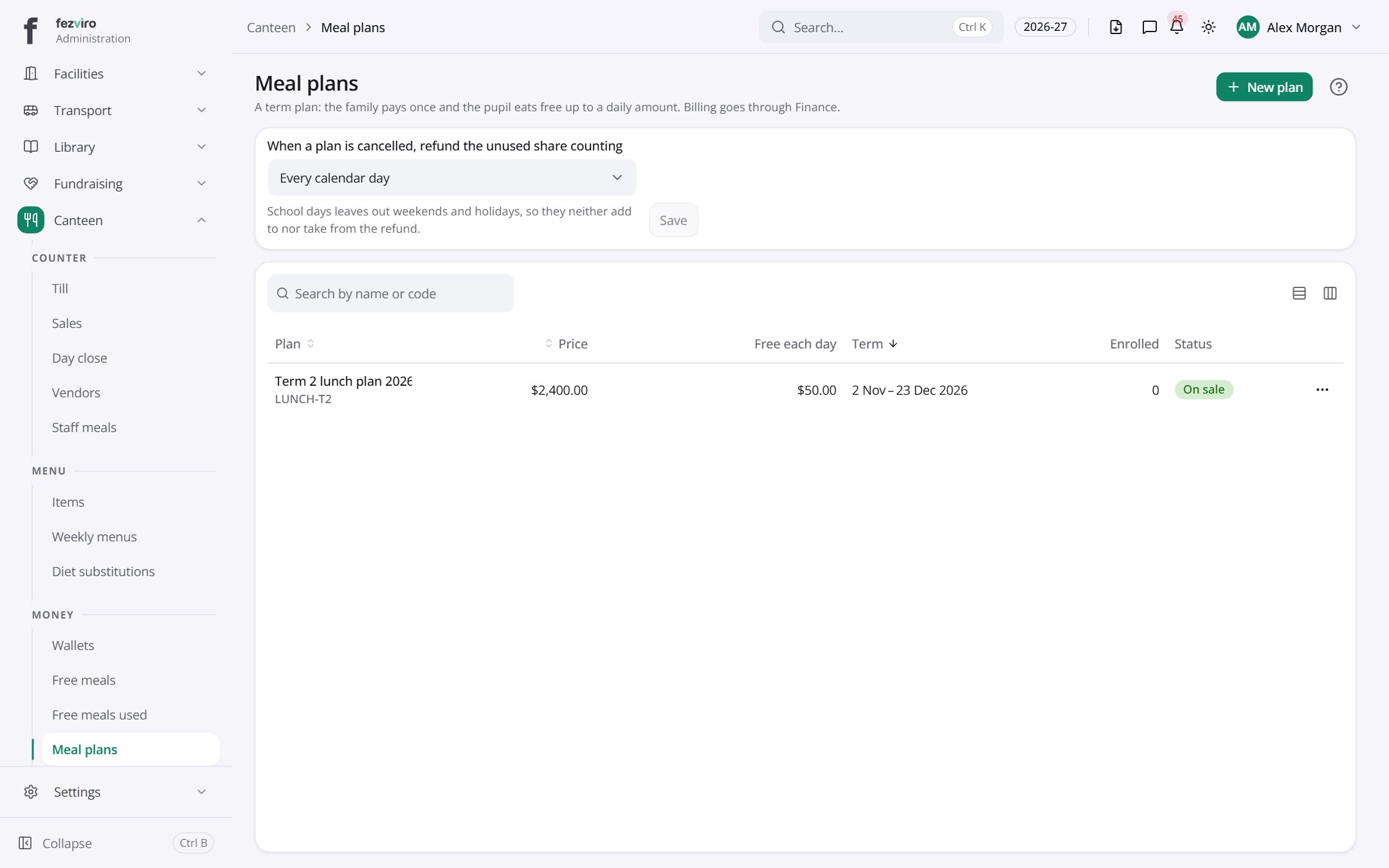 Meal plansTerm meal plans where the family pays once for daily meals.
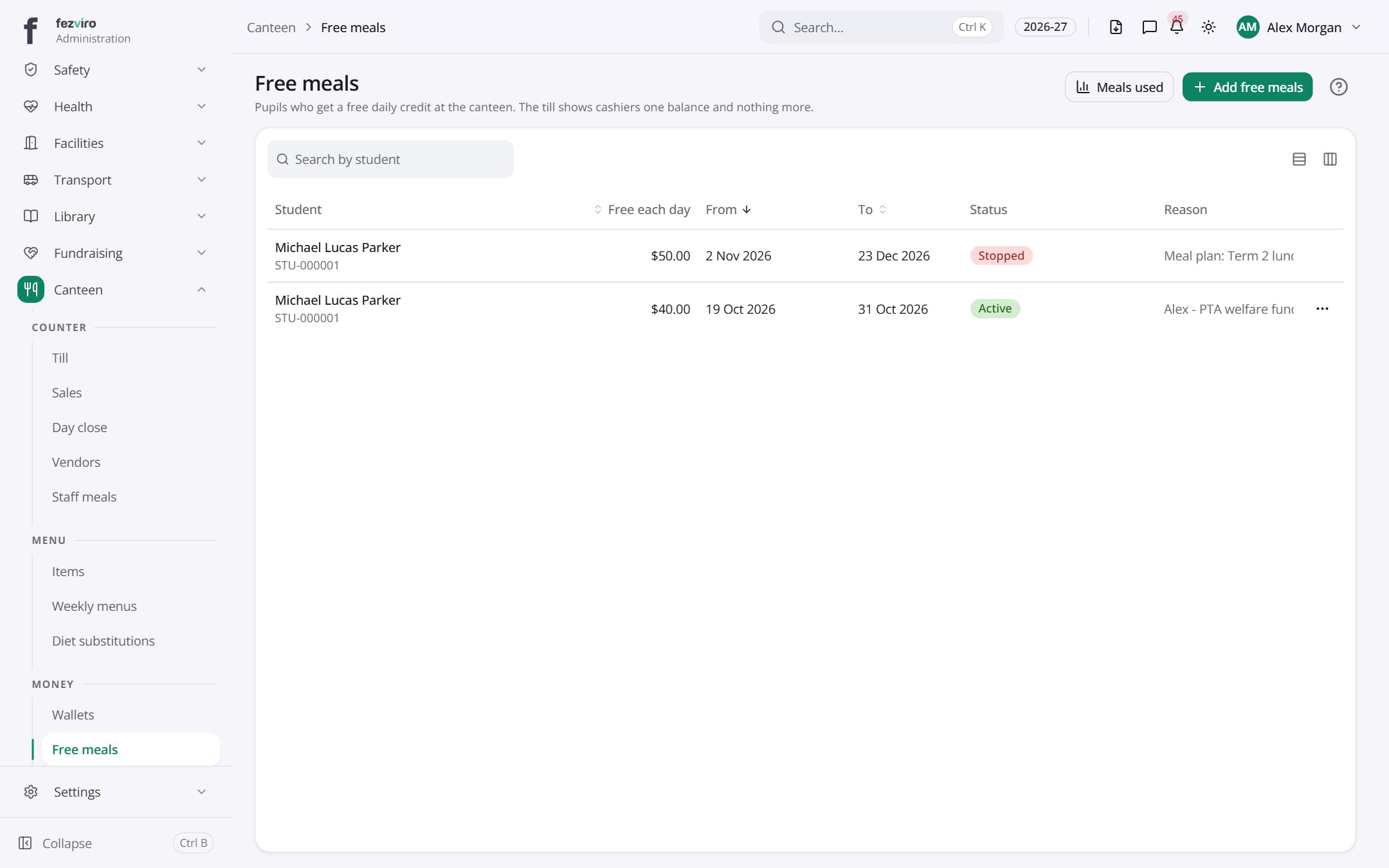 Free mealsFree daily meal credit for pupils who qualify.
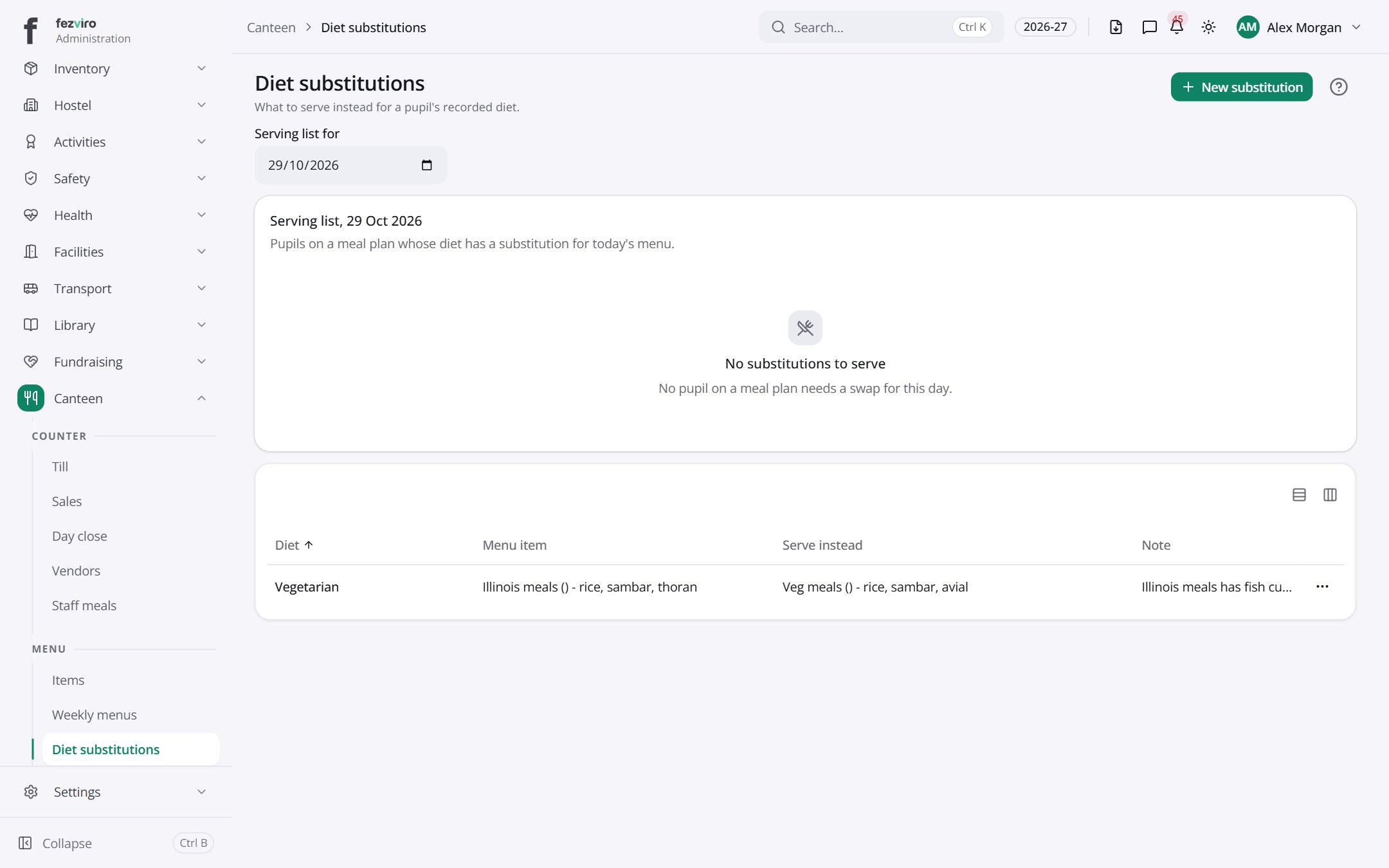 Diet substitutionsReplacement meals offered to pupils with a specific diet.
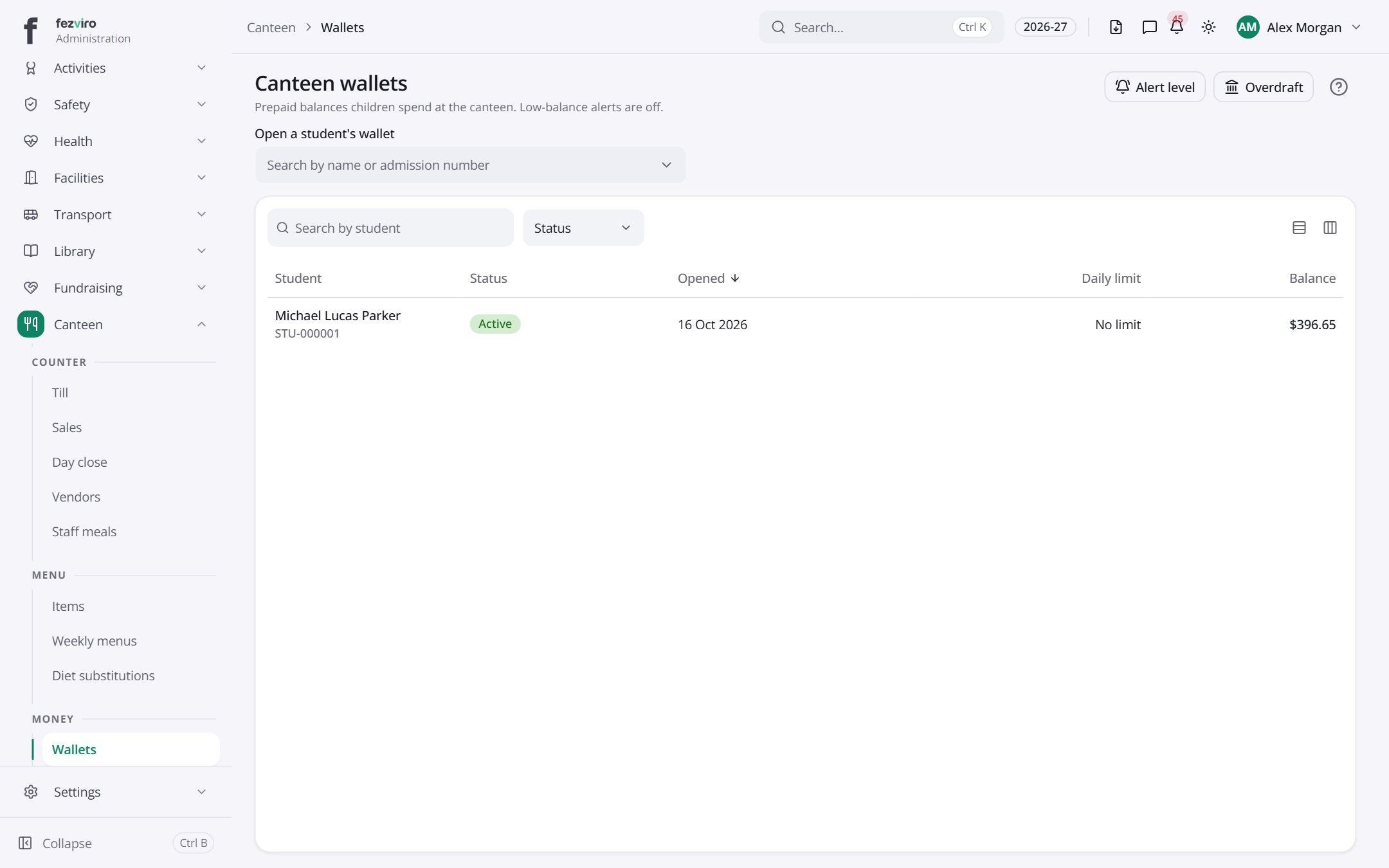 Canteen walletsPrepaid balances each pupil uses to buy canteen food.
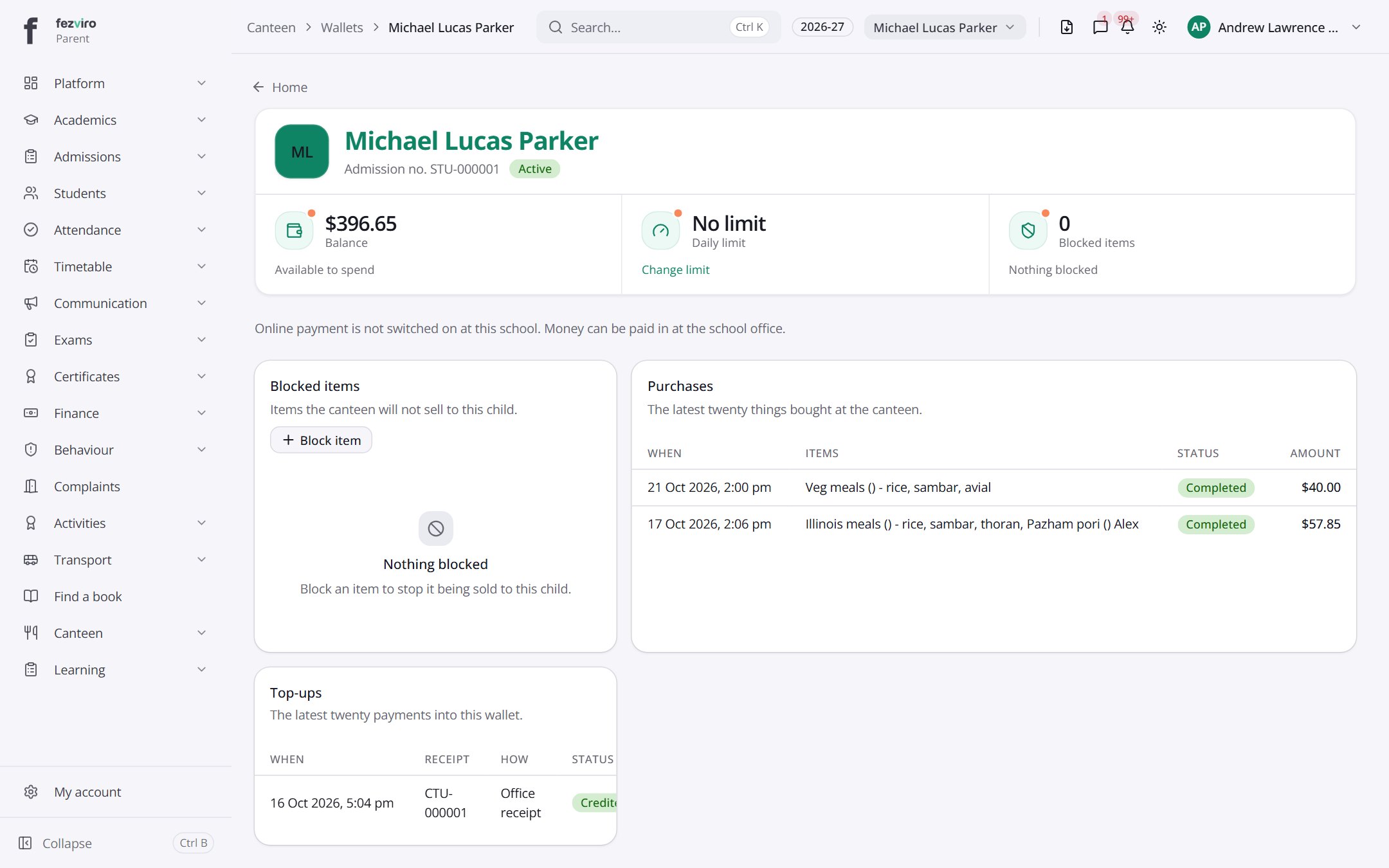 My canteen walletYour child's canteen wallet, with balance and recent purchases.Parent
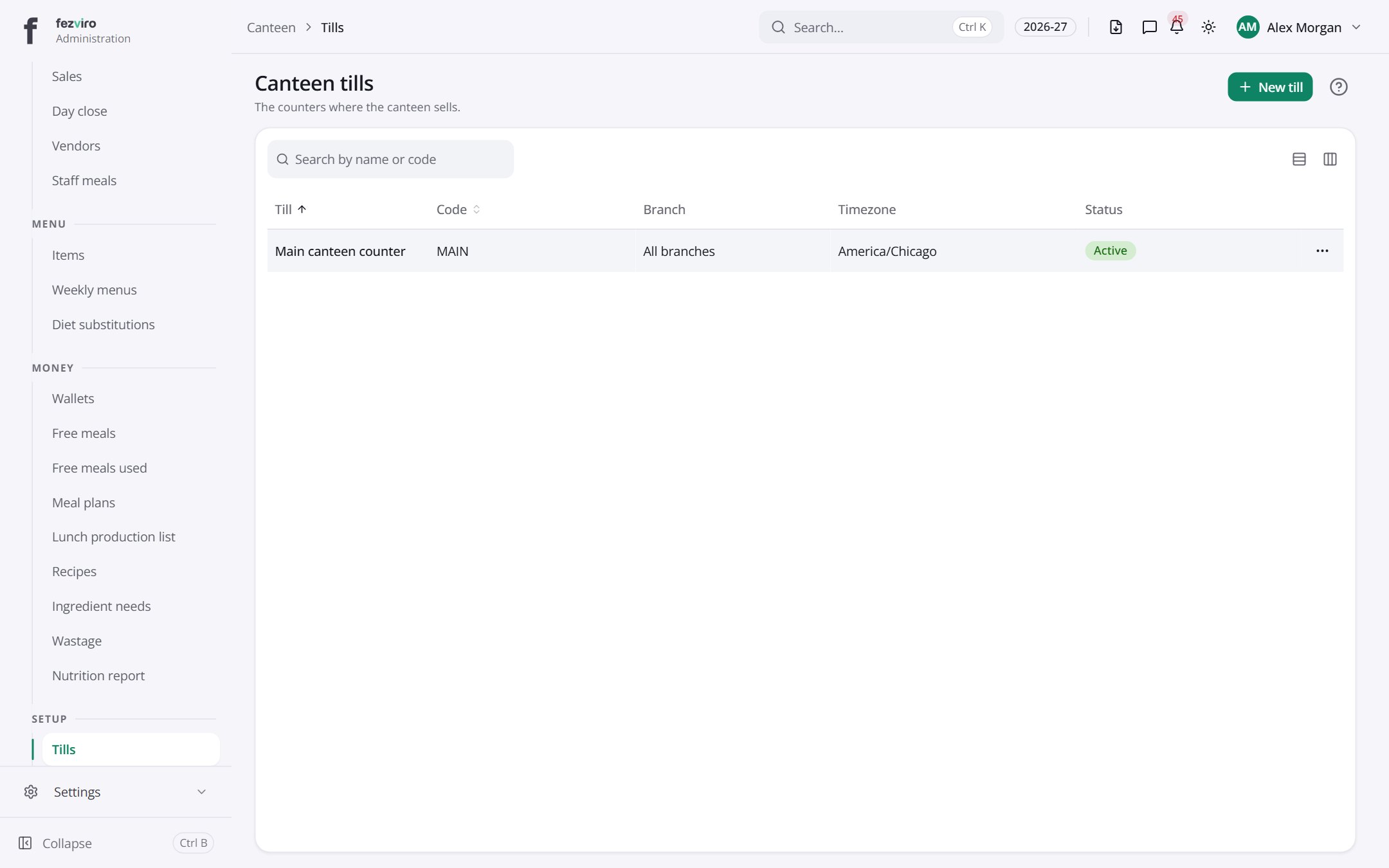 Canteen tillsThe counters where the canteen sells food.
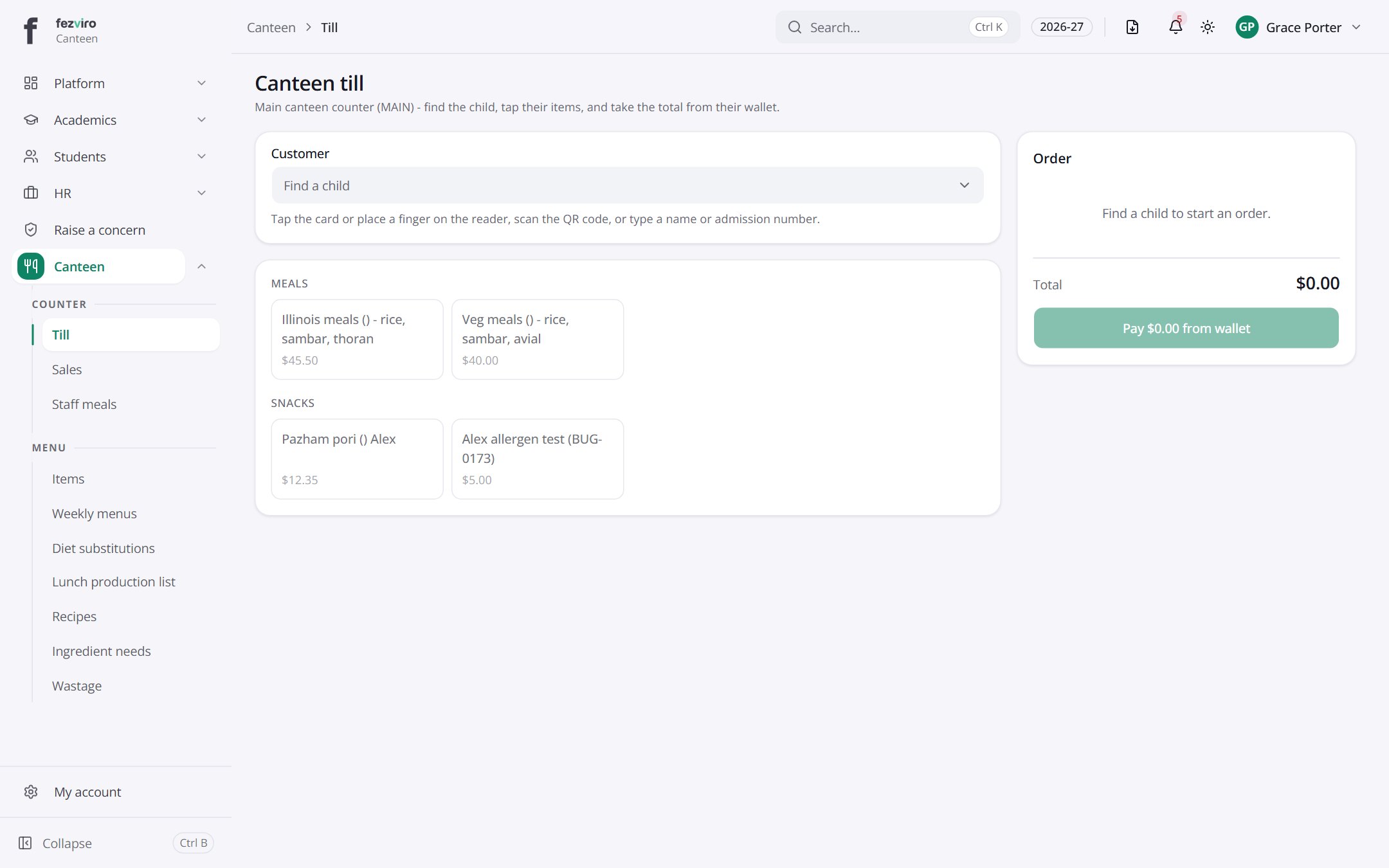 Canteen tillThe screen cashiers use to take payment for canteen meals.Canteen cashier
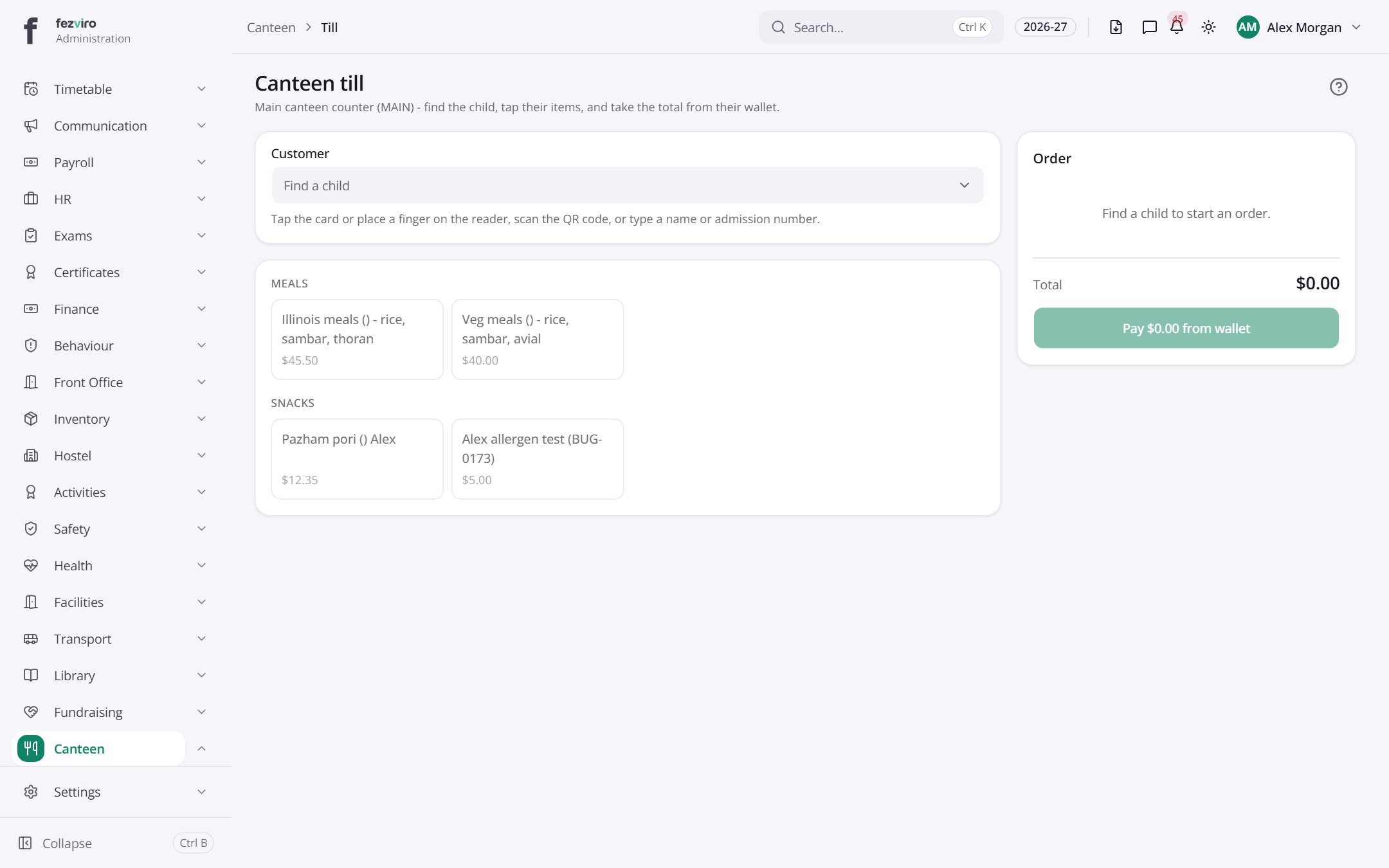 Canteen tillThe screen cashiers use to take payment for canteen meals.
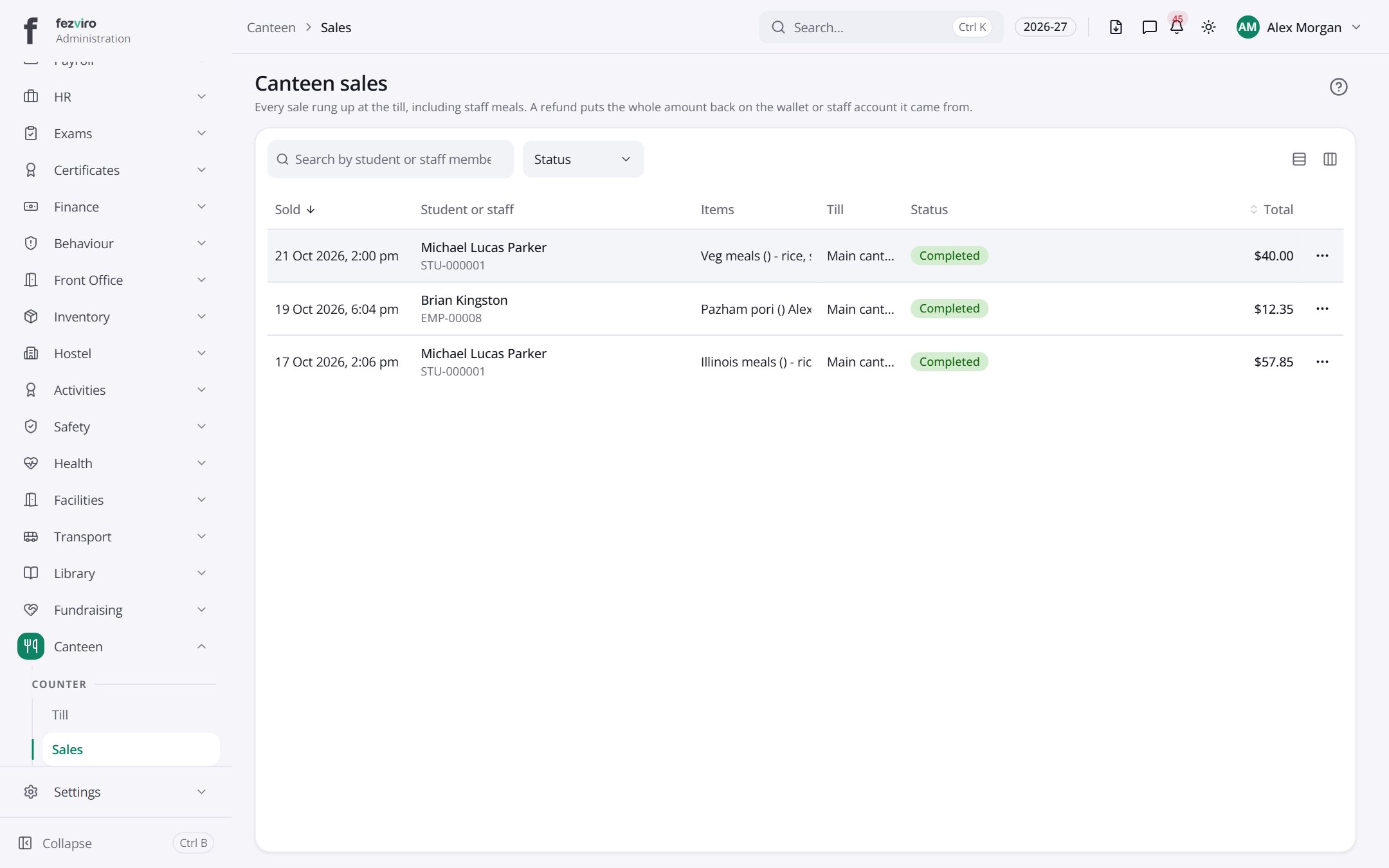 Canteen salesEvery sale rung up at the canteen till, including staff meals.
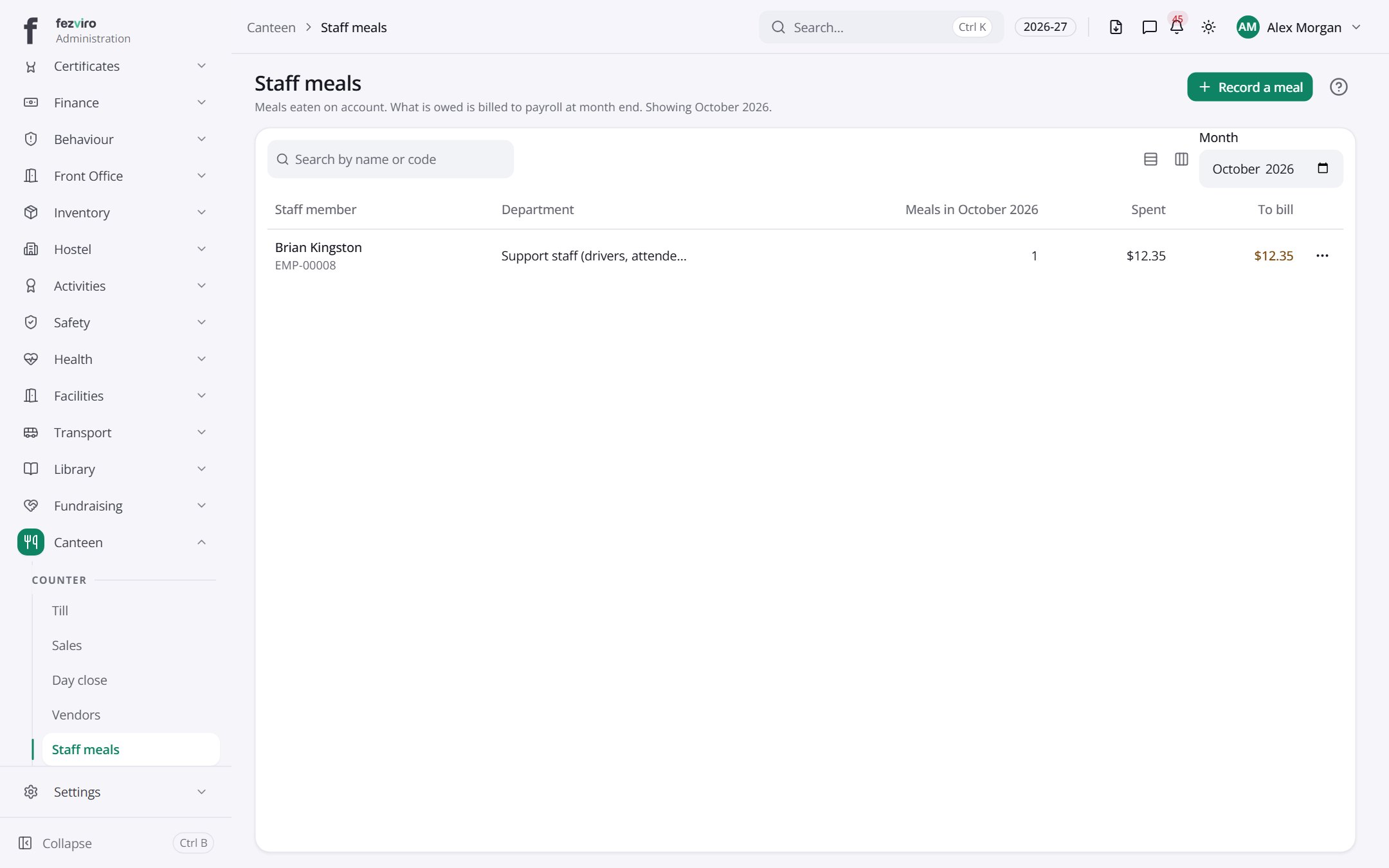 Staff mealsMeals staff take from the canteen, charged to their own account.
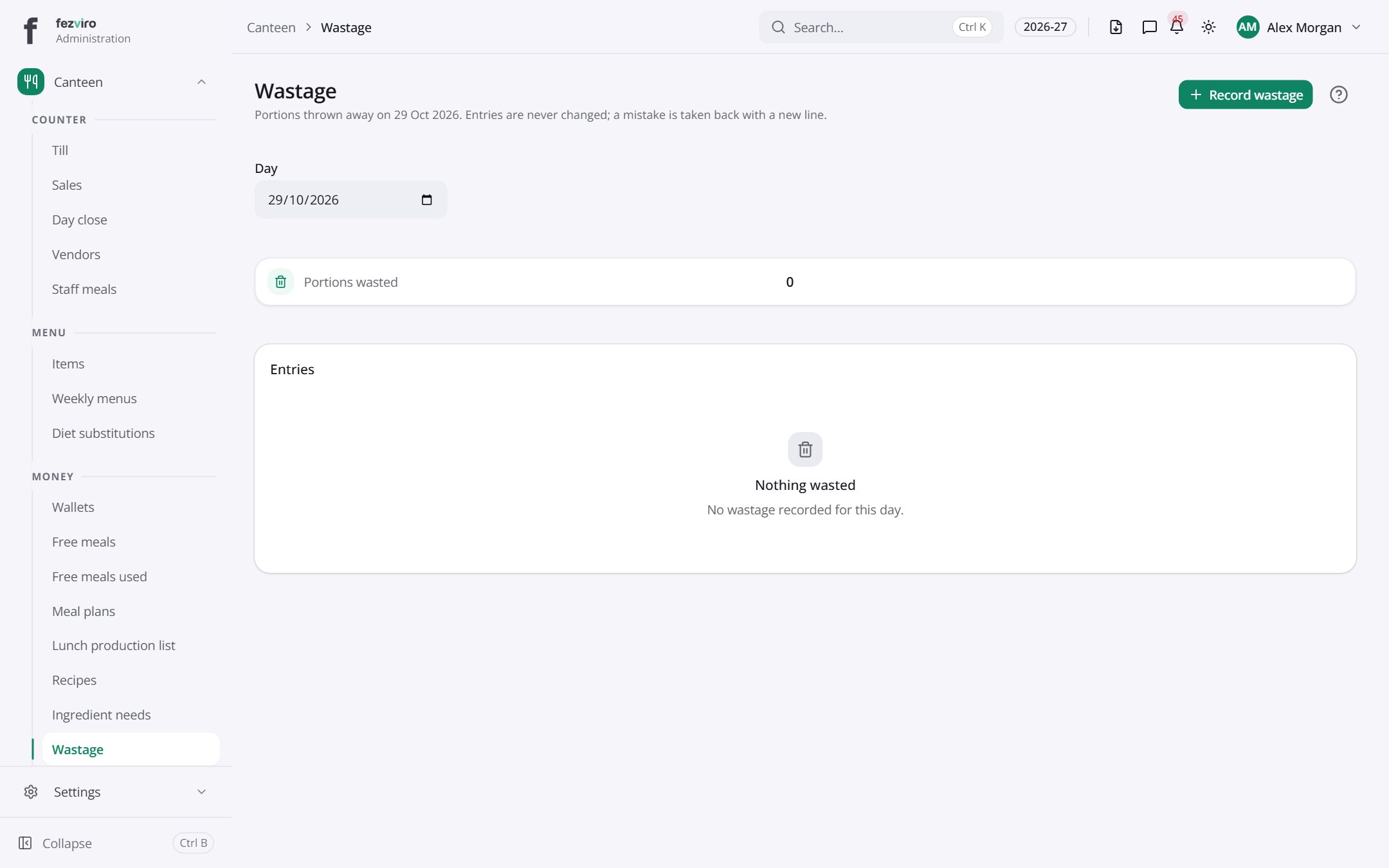 WastageRecords of food thrown away or spoiled, with the reason.
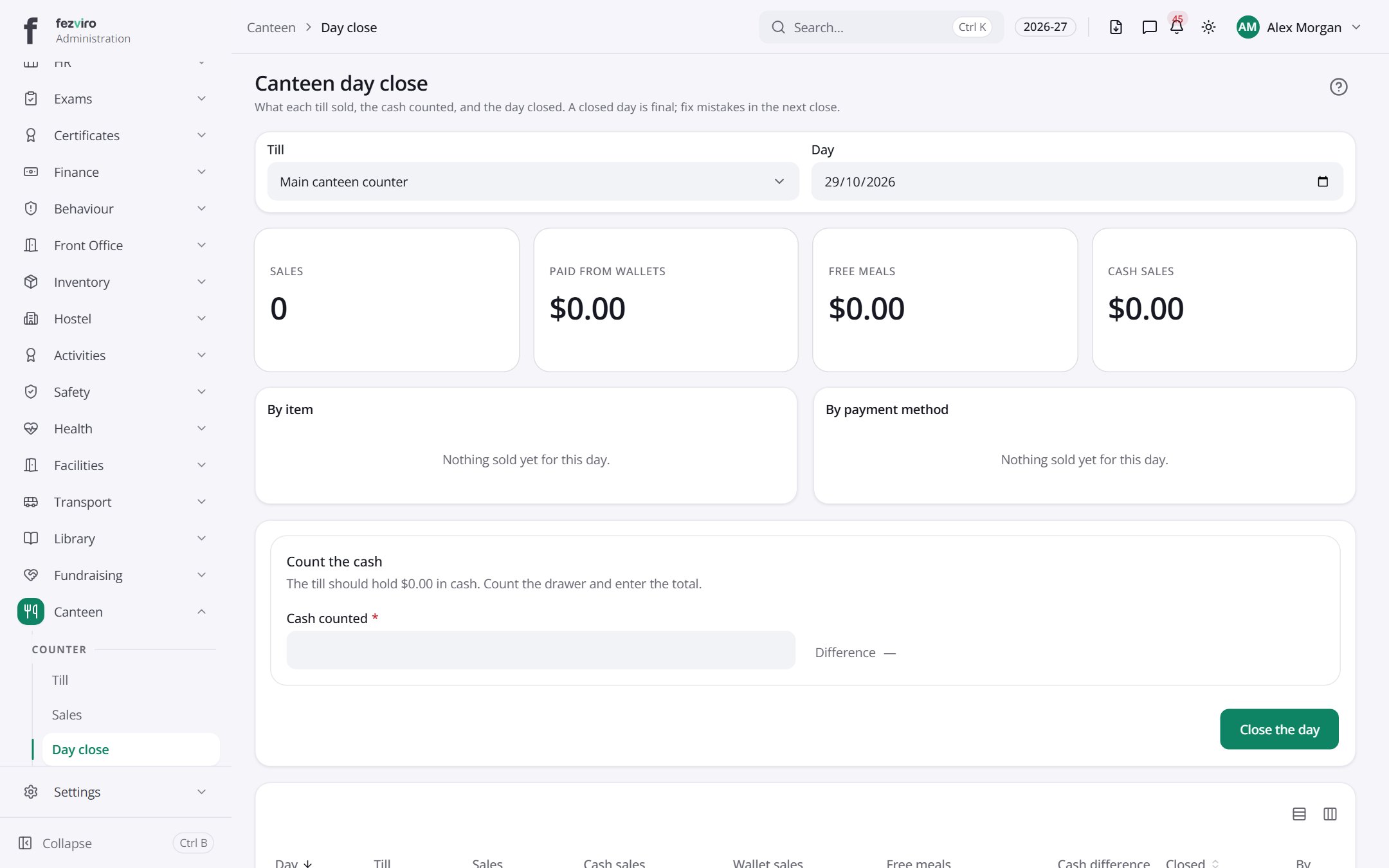 Canteen day closeA daily summary of each till's sales and the cash counted.
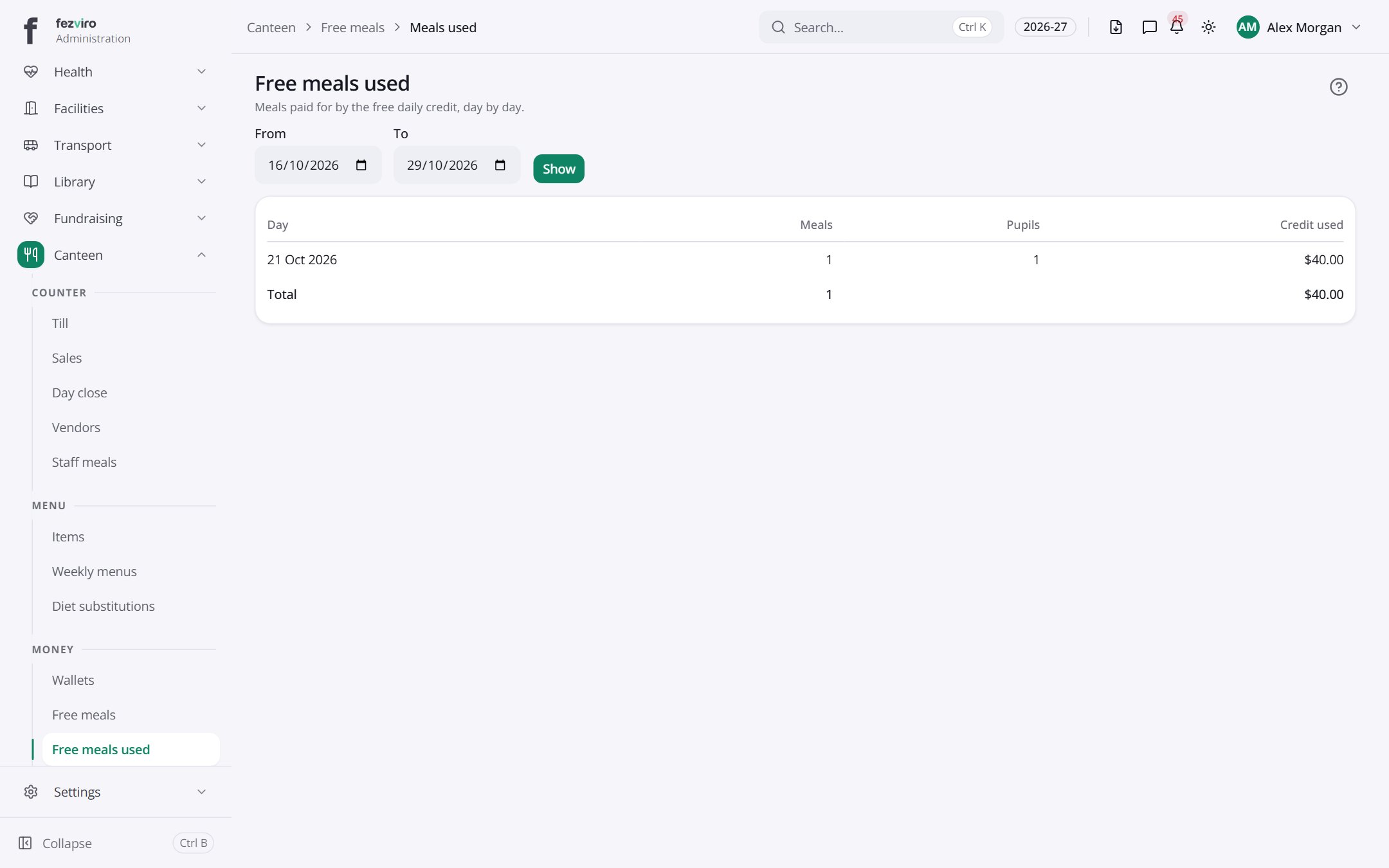 Free meals usedA day-by-day record of free meal credit used.
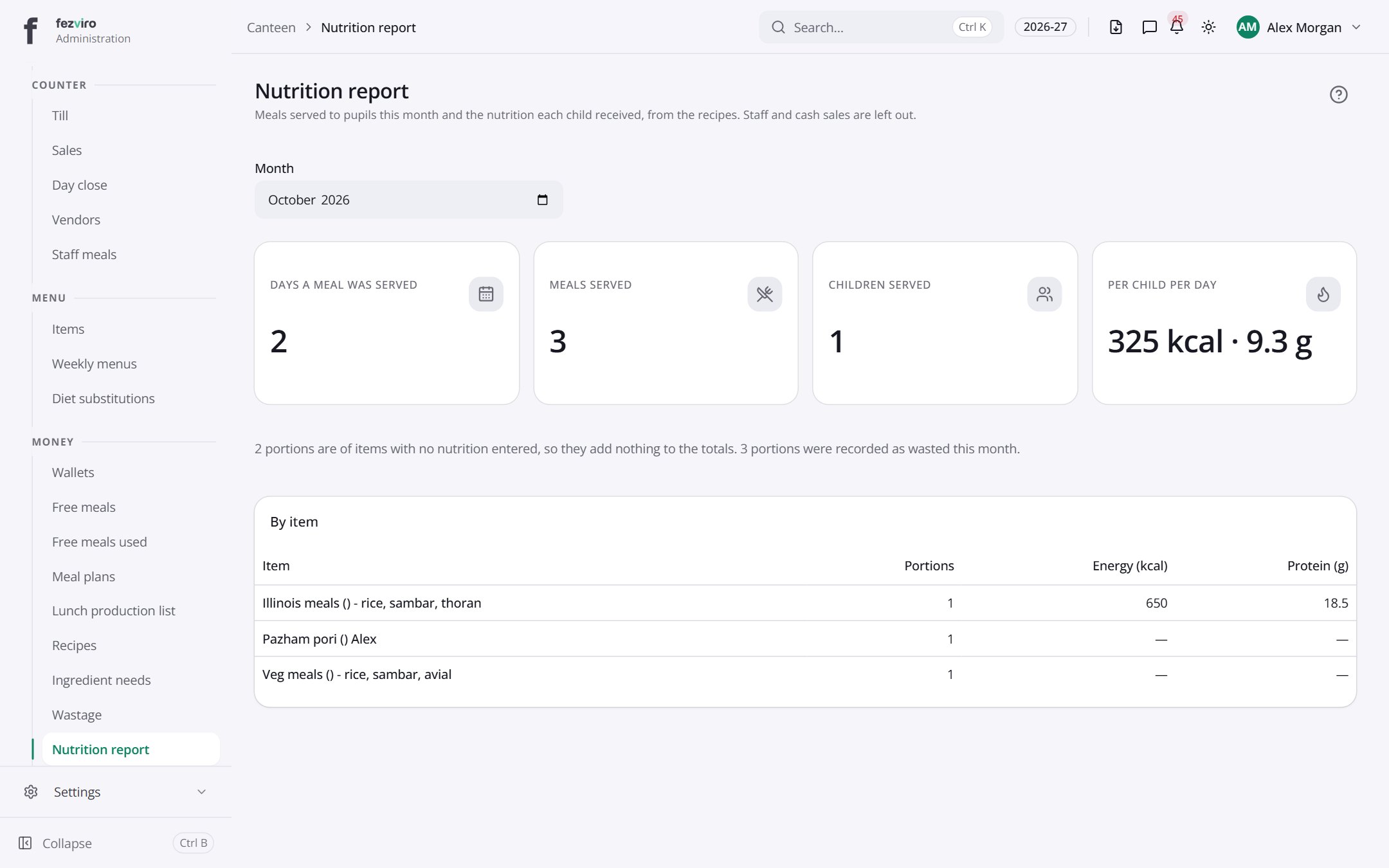 Nutrition reportEach pupil's monthly nutrition, worked out from the meals served.
Step by step
Section titled “Step by step”Sell at the counter
Section titled “Sell at the counter”- The cashier opens the Till and scans the student’s card or QR.
- Allergens and blocked foods stop the sale; the daily limit is enforced.
- The amount comes from the student wallet.
Top up a wallet
Section titled “Top up a wallet”- Parents top up online from their portal, or at the counter.
- They set daily limits and blocked foods.
Questions
Section titled “Questions”Are free meals visible to other students?
No. Free meal credits are applied privately at the till.