

Book a meeting
What it is
Parent-teacher meeting bookings made by families.
Why it matters
Stops double-booking and saves a long phone queue at meeting time.
When to use it
Staff check who has booked which slot before the meeting day.
Who uses it
Administrator
How to get here
Section titled “How to get here”- Sign in as Administrator (see Signing in).
- In the left menu, click Communication to open it.
- Click Book a meeting.
What you see
Section titled “What you see”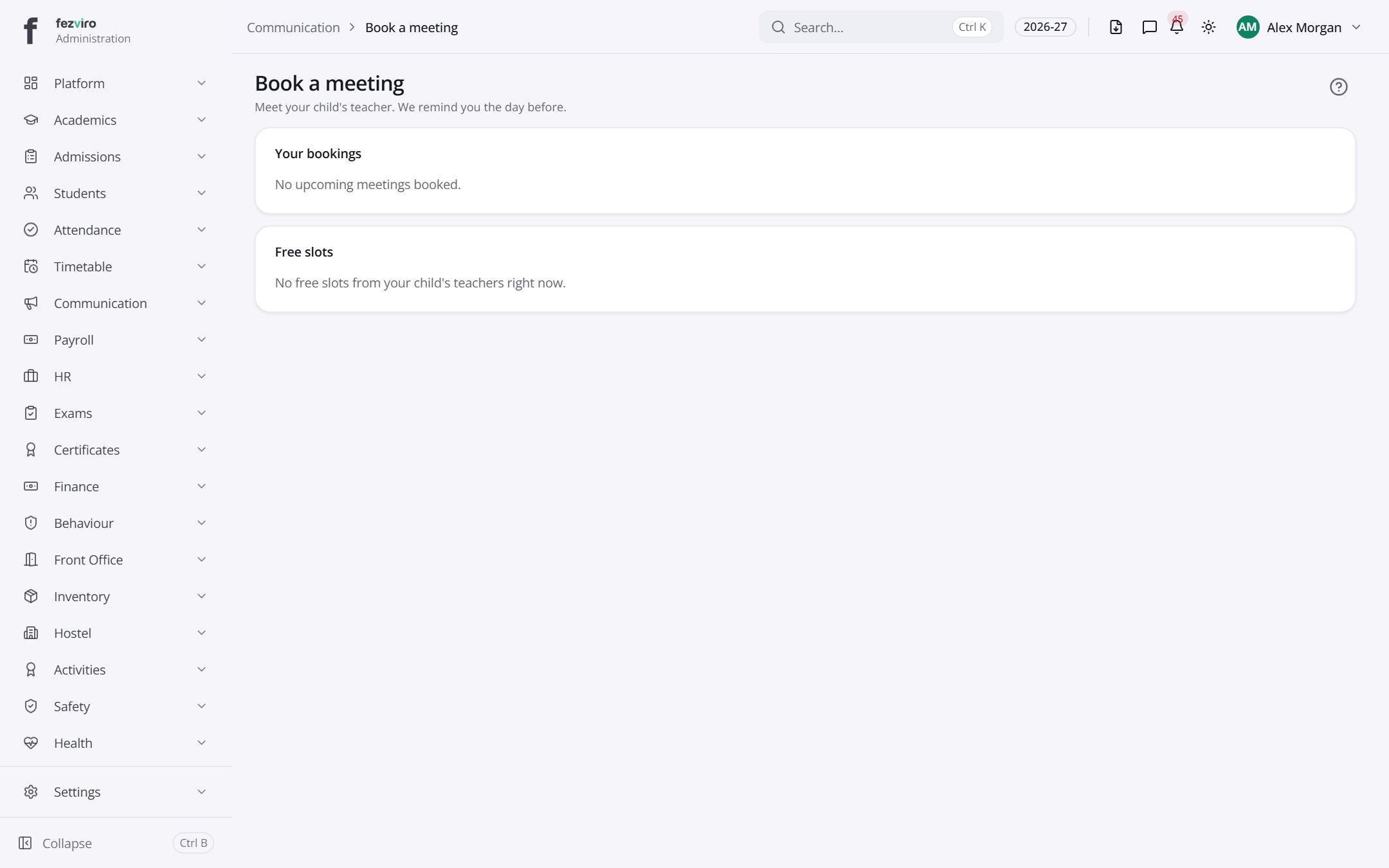
- Sections on the page: Your bookings, Free slots.
← Back to Communication overview