

Leave balances
What it is
How much leave each staff member has left this year.
Why it matters
Shows balances in one place before leave is approved.
When to use it
HR checks balances at year end or when planning cover.
Who uses it
Administrator
How to get here
Section titled “How to get here”- Sign in as Administrator (see Signing in).
- In the left menu, click HR to open it.
- Click Leave balances.
What you see
Section titled “What you see”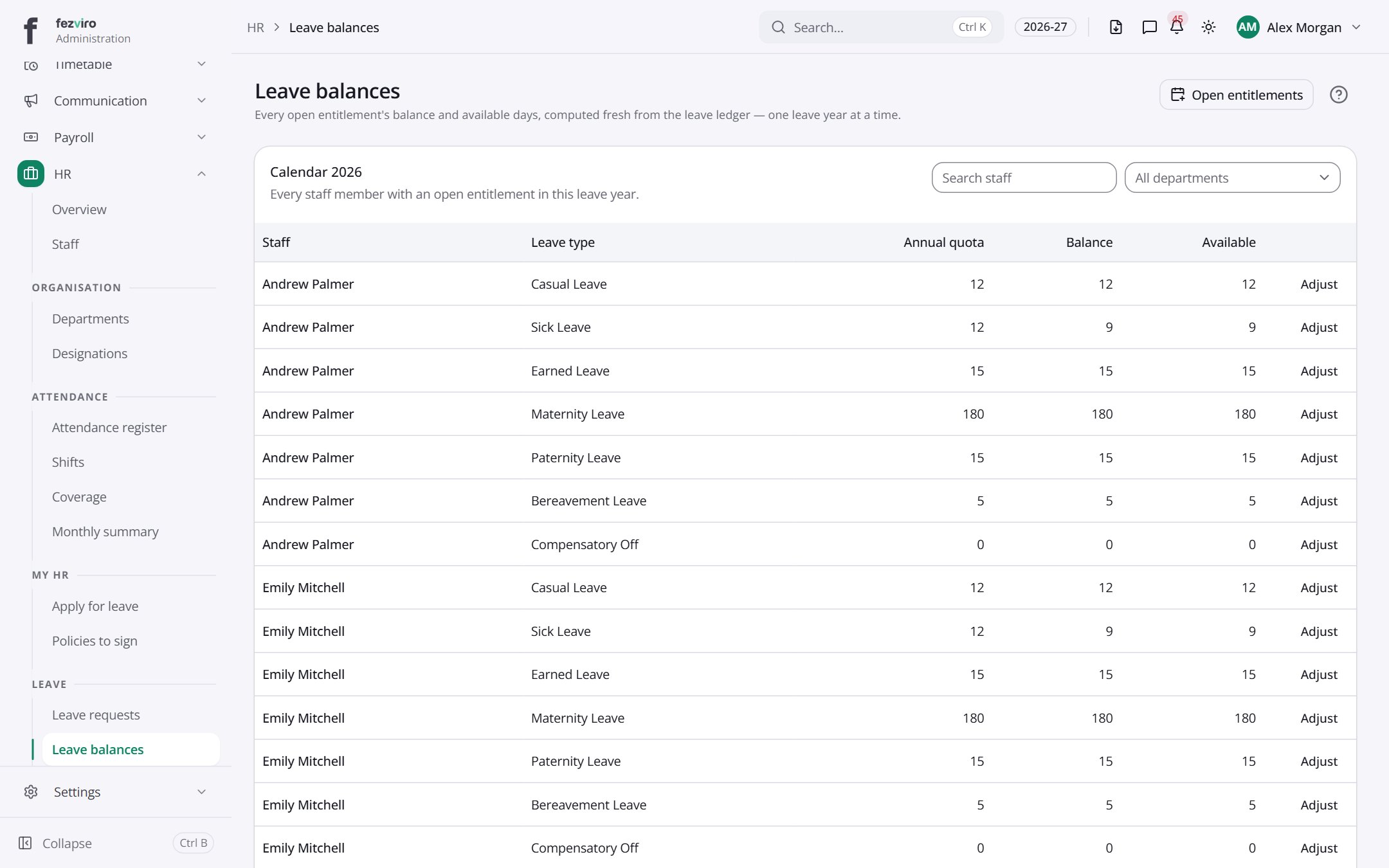
- Sections on the page: Calendar 2026.
- The list has these columns: Staff, Leave type, Annual quota, Balance, Available, Actions. Click a column name to sort by it.
Buttons on this screen
Section titled “Buttons on this screen”- Open entitlements — does what it says on the button.
← Back to HR & Staff overview