

Admissions
From the first enquiry to the first day: enquiry CRM, online application forms, entrance tests, merit lists, offers, and one-click conversion to a student.
👥 Admissions counsellor, office staff, principal, prospective parents (public forms)🖥️ 15 screens📝 4 forms

What it does
Section titled “What it does”- Enquiry CRM with stages and owners
- Drag-and-drop enquiry board
- Counsellor follow-up to-do list
- Public enquiry form on website
- Application windows with seat caps
- Custom online application forms
- Public application without login
- Online document upload
- Duplicate applicant detection
- Staff review board
- Entrance tests, admit cards, scores
- Merit list and waiting list
- Offer letters, accept or decline online
- Convert applicant to student in one click
- Admissions funnel report
Its screens
Section titled “Its screens”Each screen has its own page: what it is for, how to reach it, a picture, its buttons and its form.
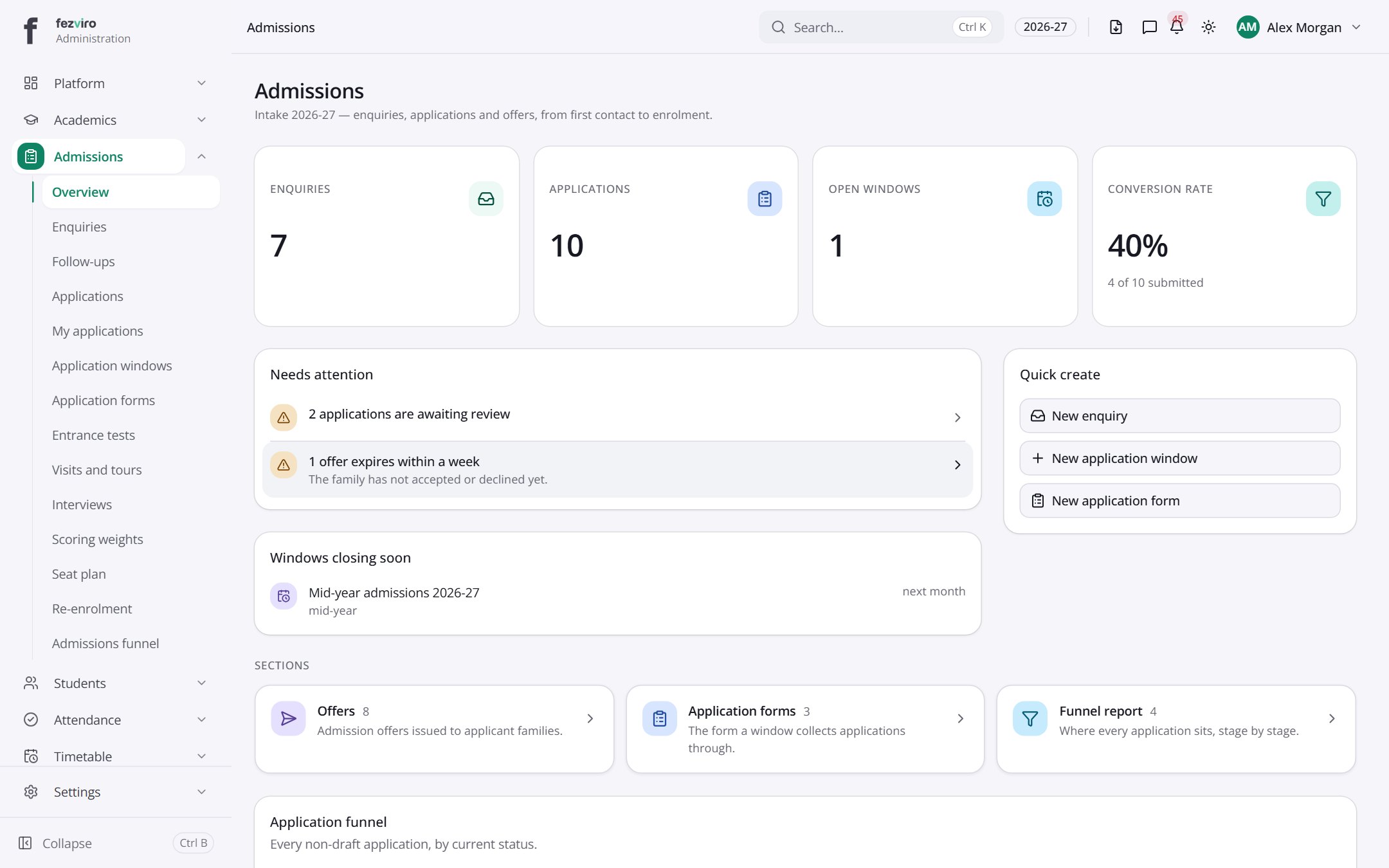 Admissions dashboardThe landing page for all admissions work.
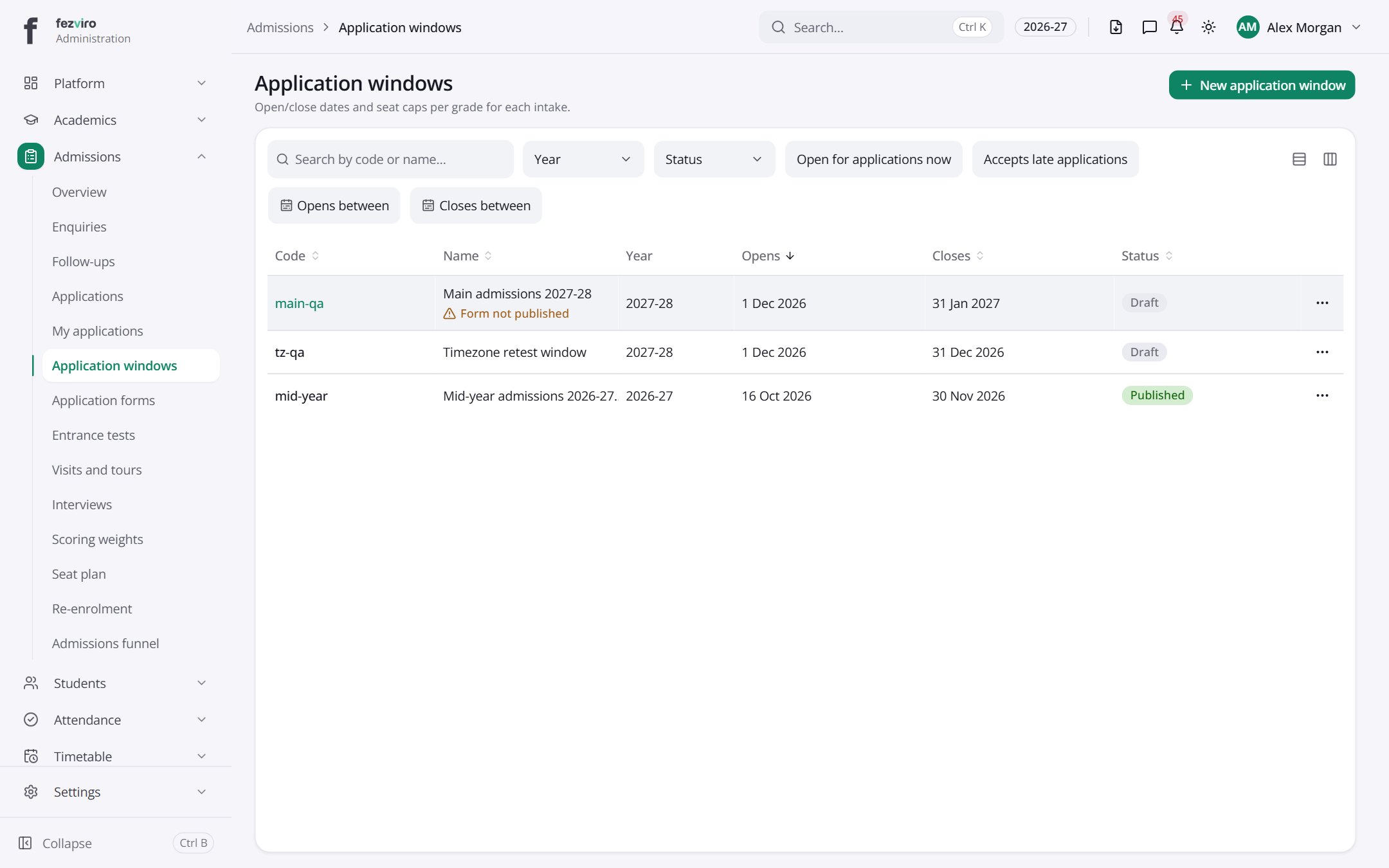 Application windowsSet periods when applications are open, with limits on seats per year group.has a form
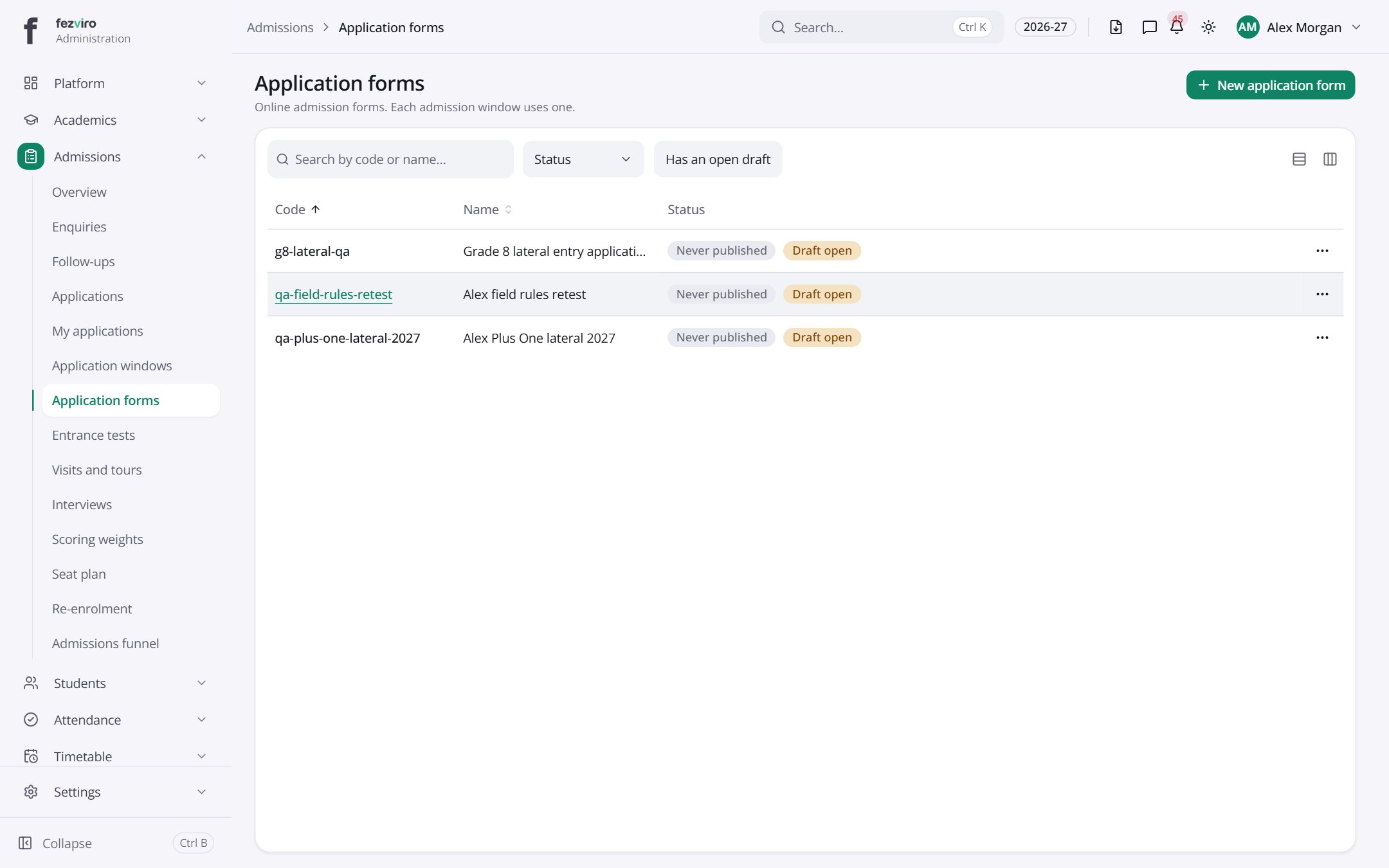 Application formsThe online forms families fill in to apply to the school.has a form
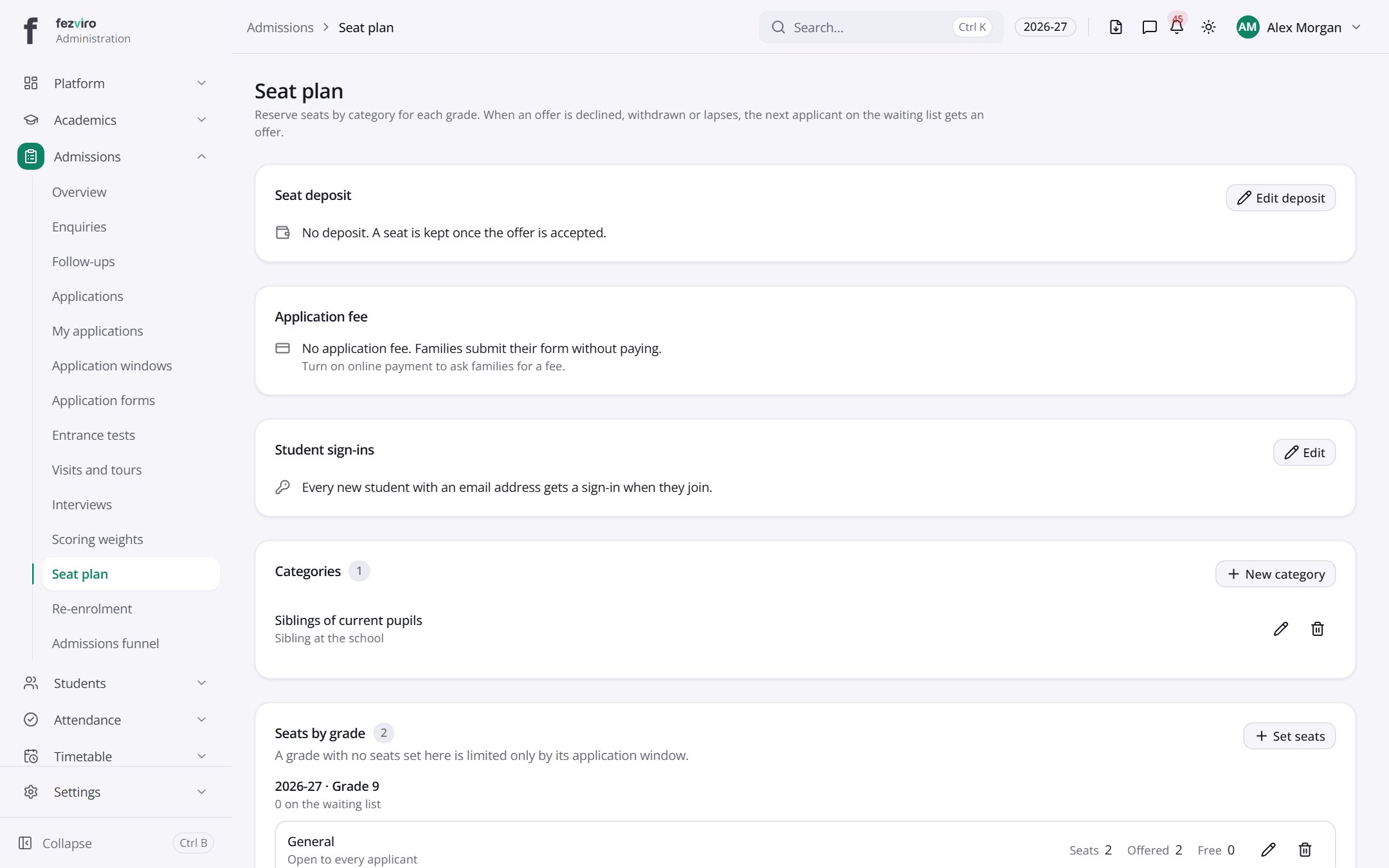 Seat planHow many seats each year group has, including reserved categories.
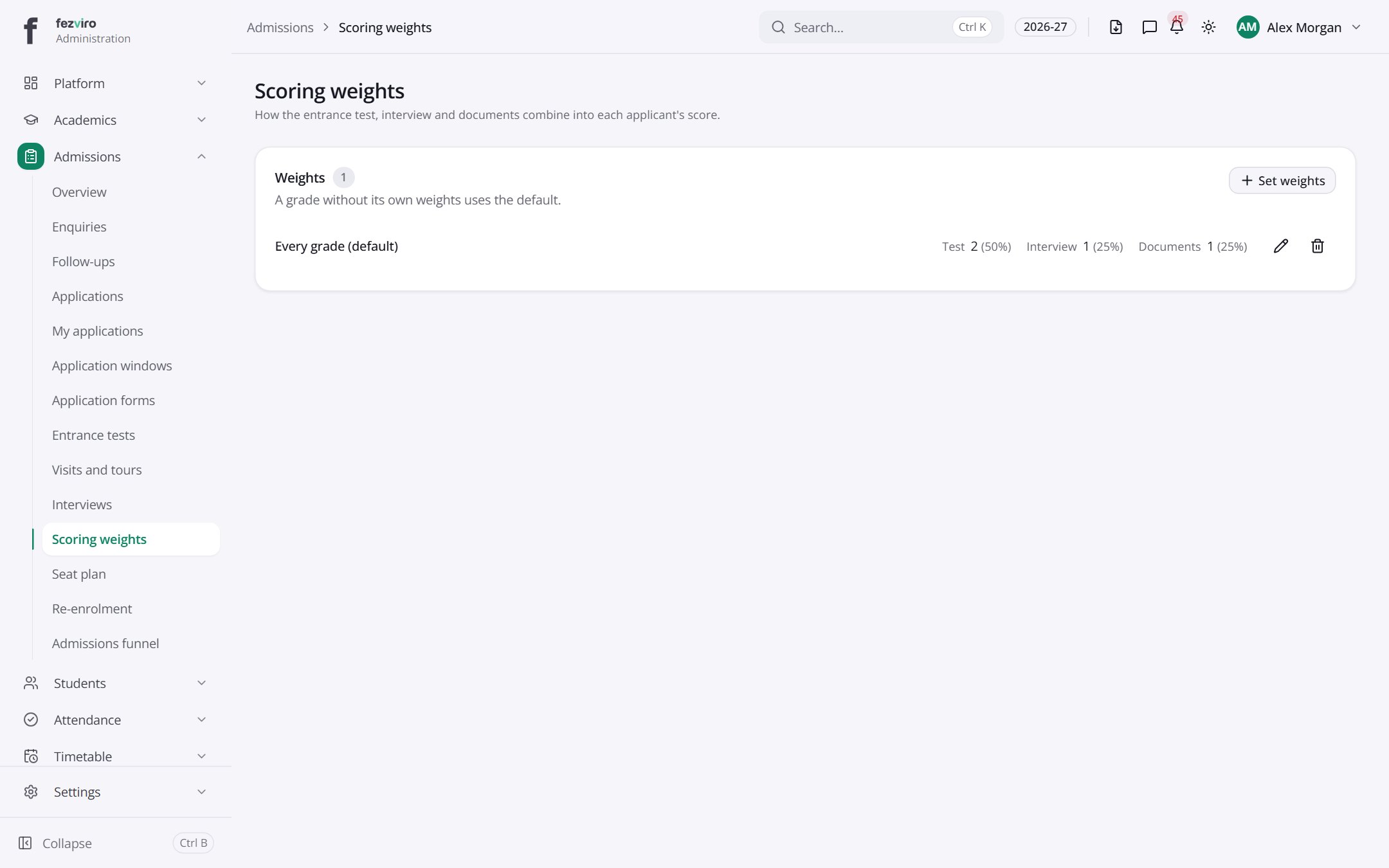 Scoring weightsHow much each part of an application counts towards its score.
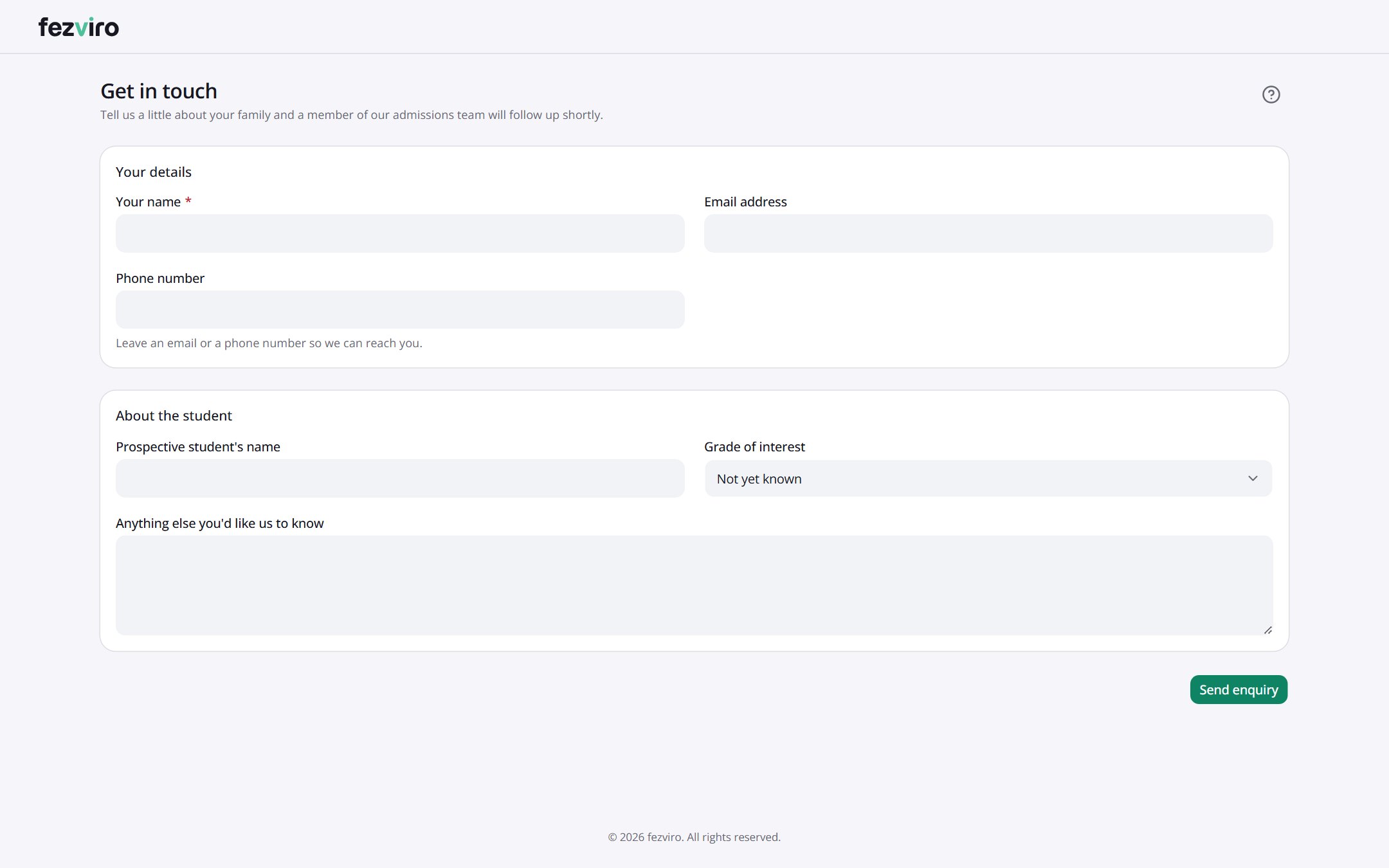 Get in touchAnyone (no sign-in needed)
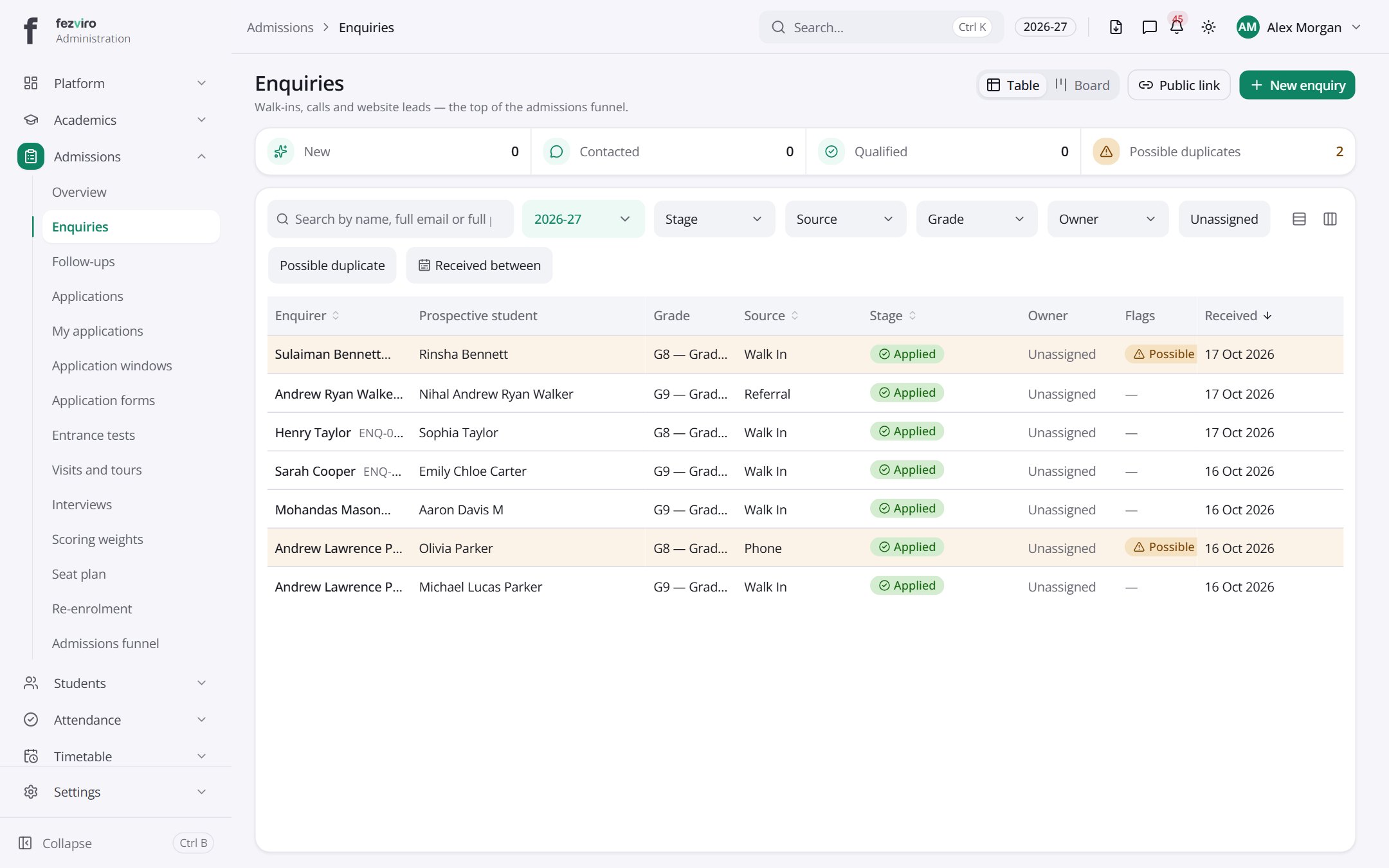 EnquiriesA board tracking every enquiry from first contact to enrolment.has a form
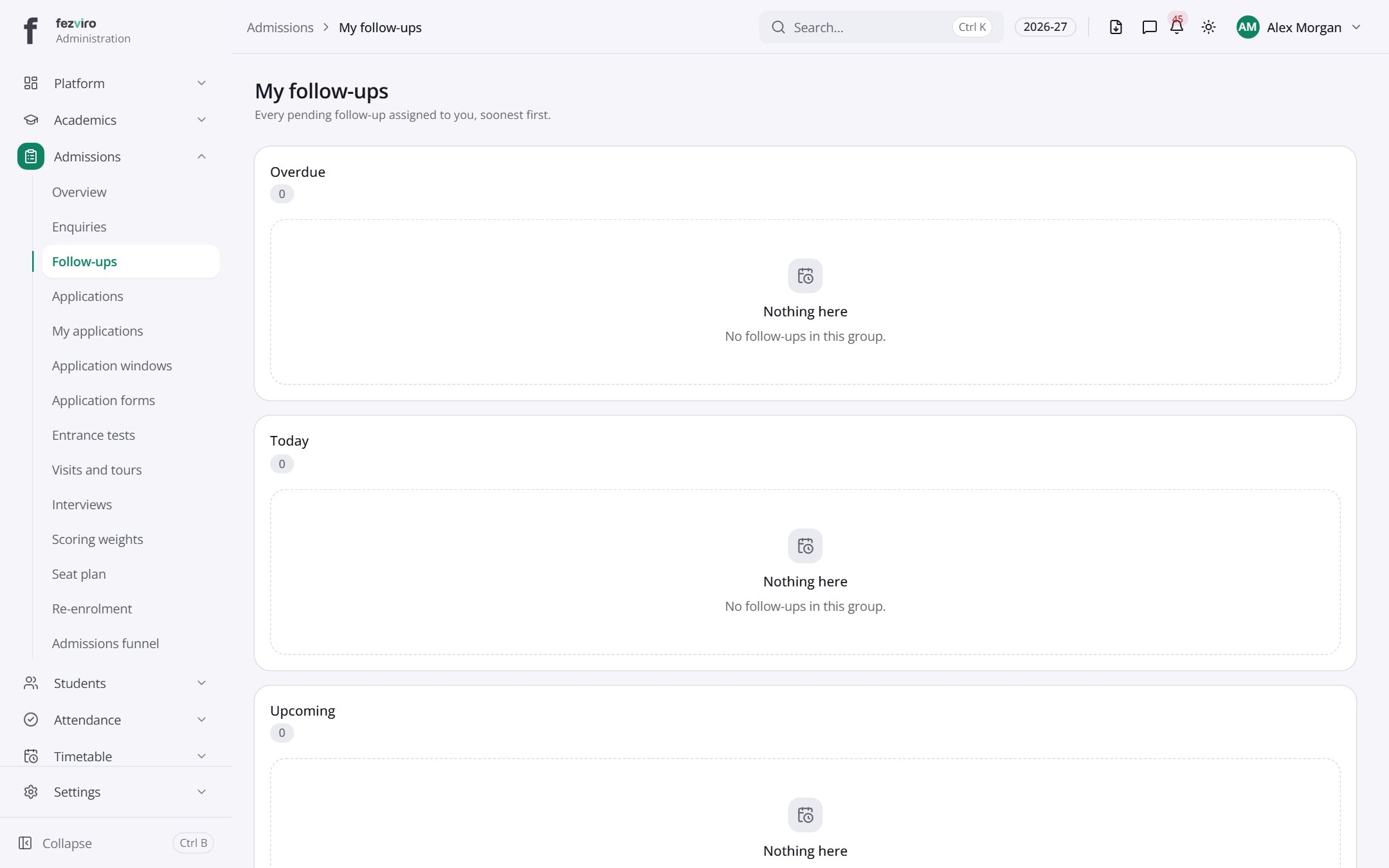 My follow-upsYour personal list of enquiry follow-ups, sorted by urgency.
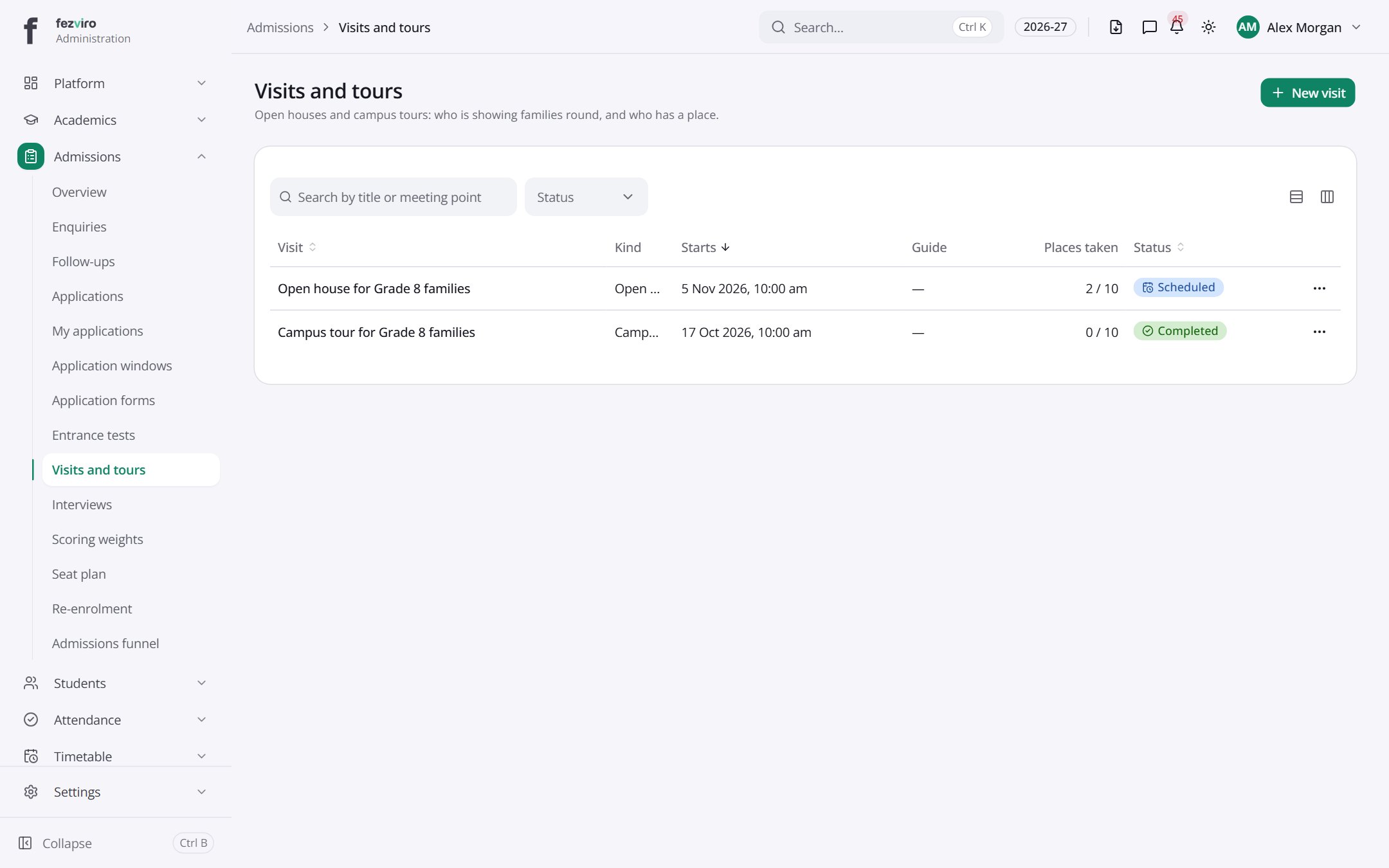 Visits and toursOpen houses and campus tours that families can book.
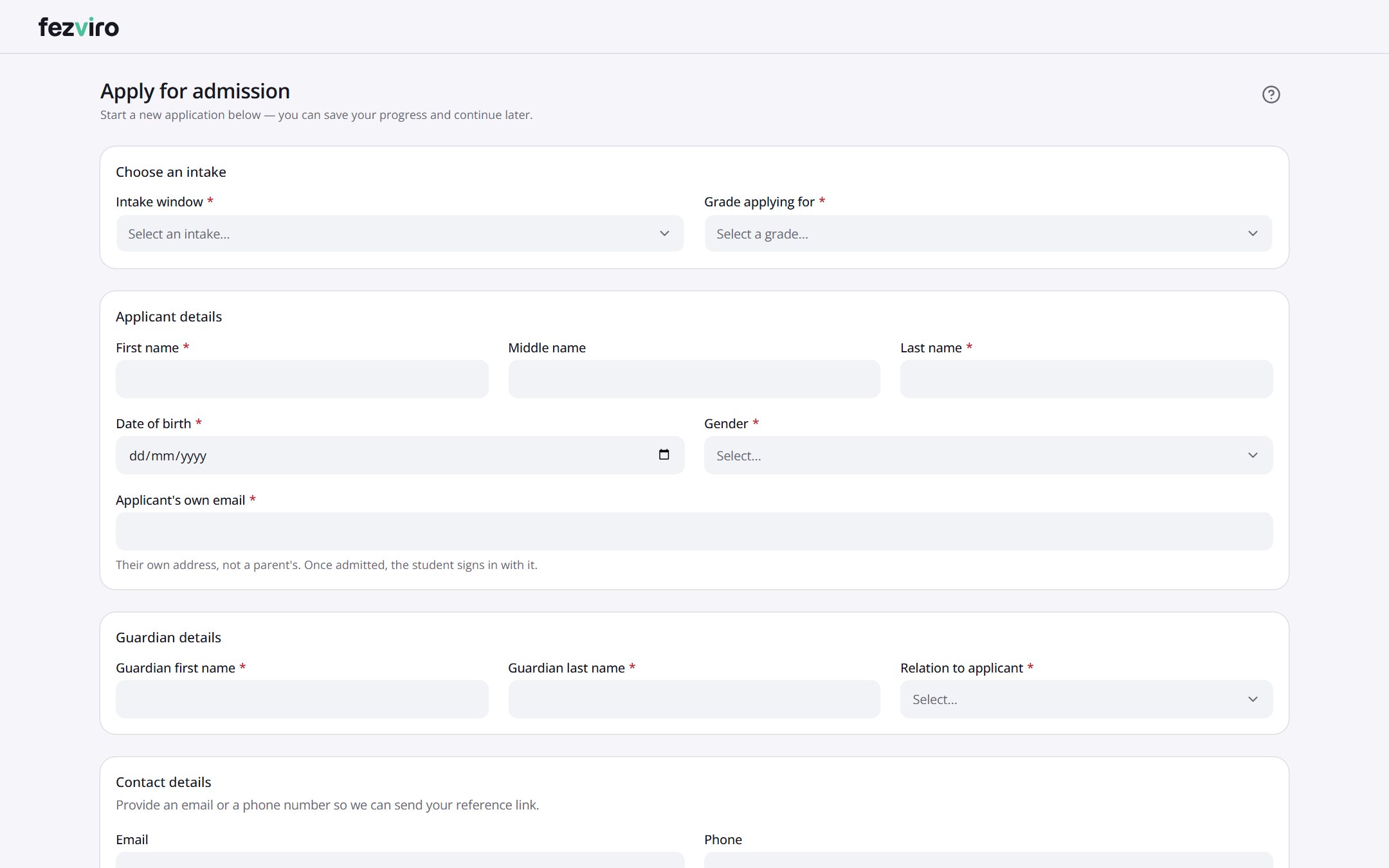 Apply for admissionAnyone (no sign-in needed)
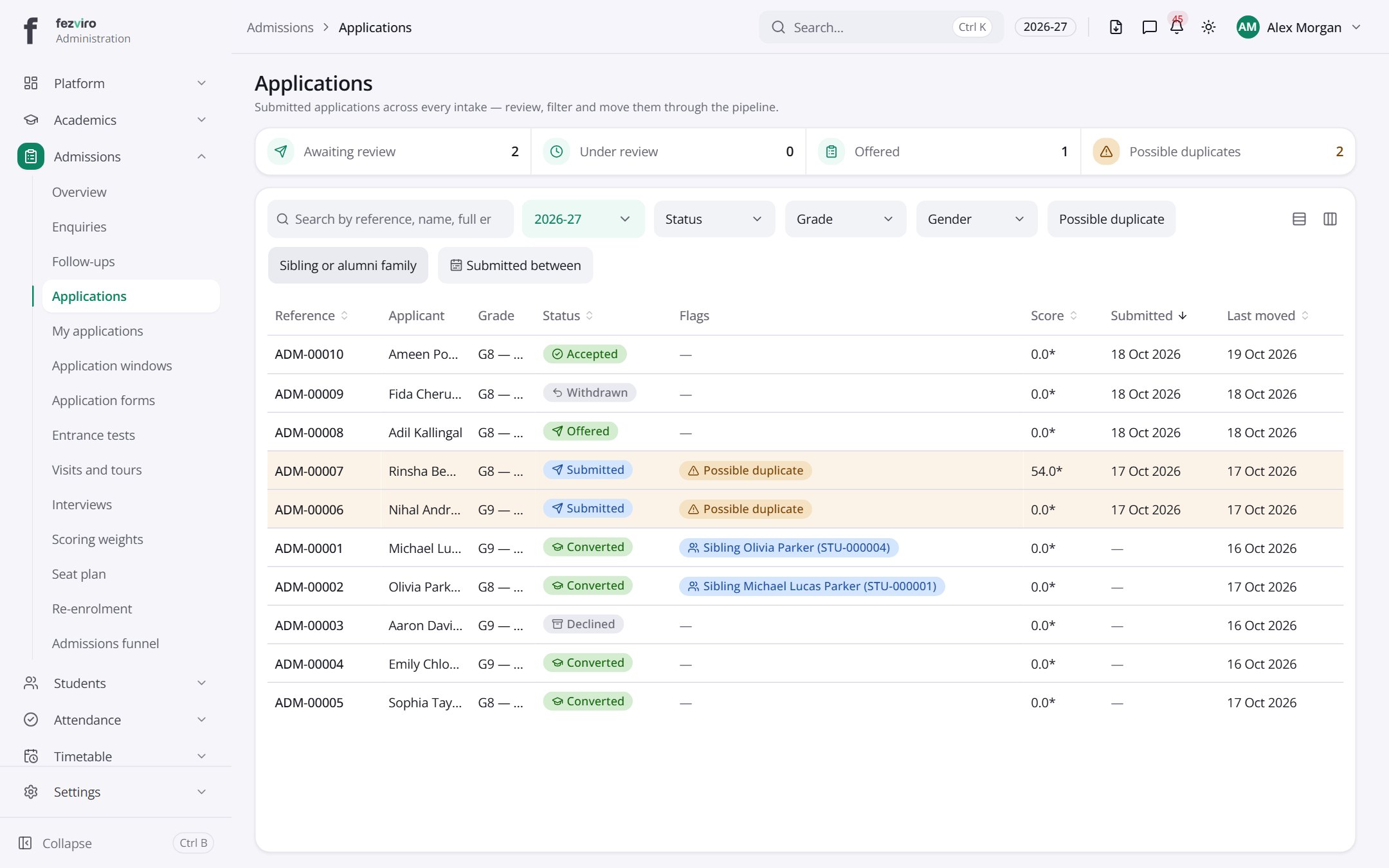 ApplicationsEvery submitted application, in one list you can search and filter.
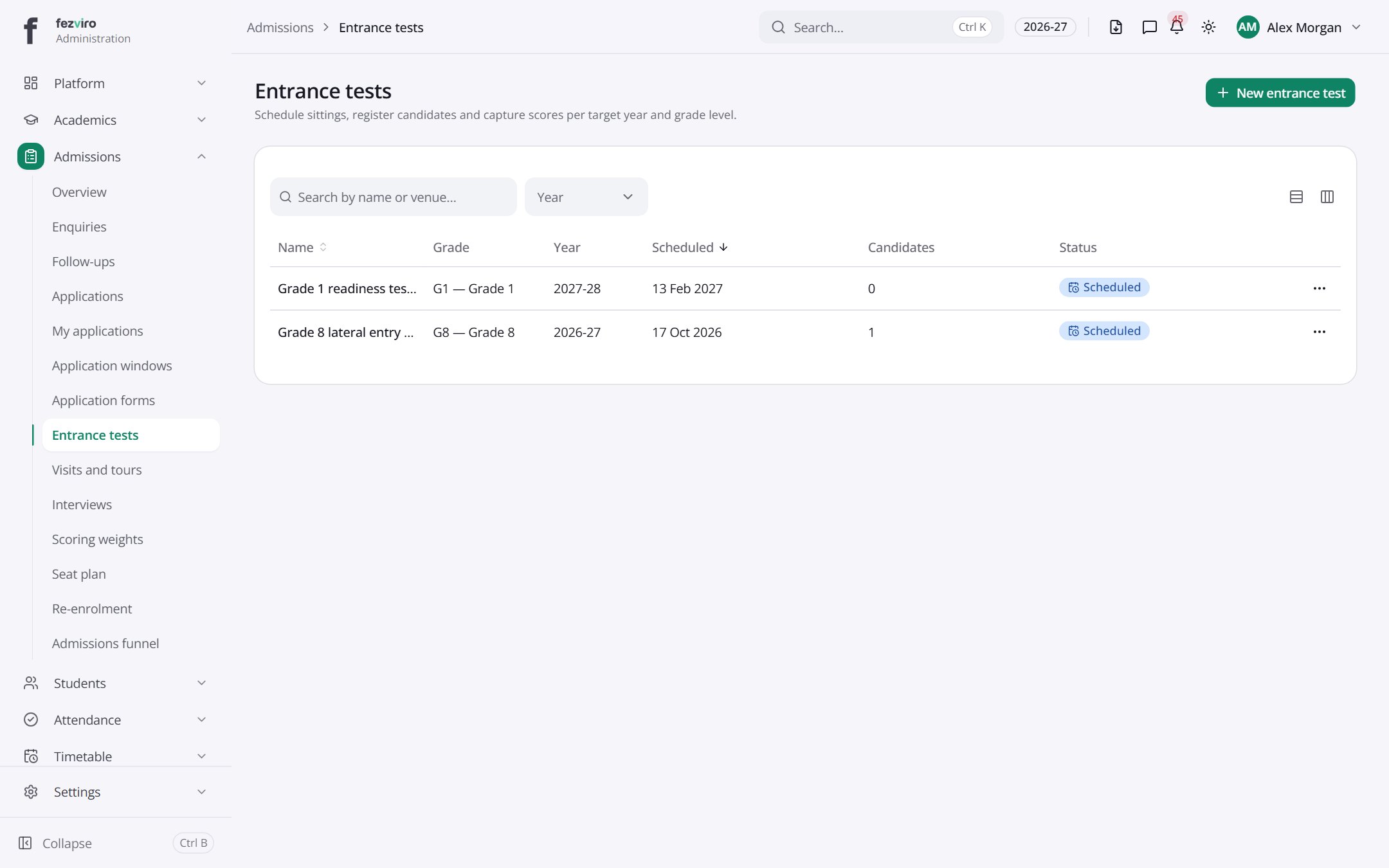 Entrance testsScheduled entrance test sittings for each year and grade.has a form
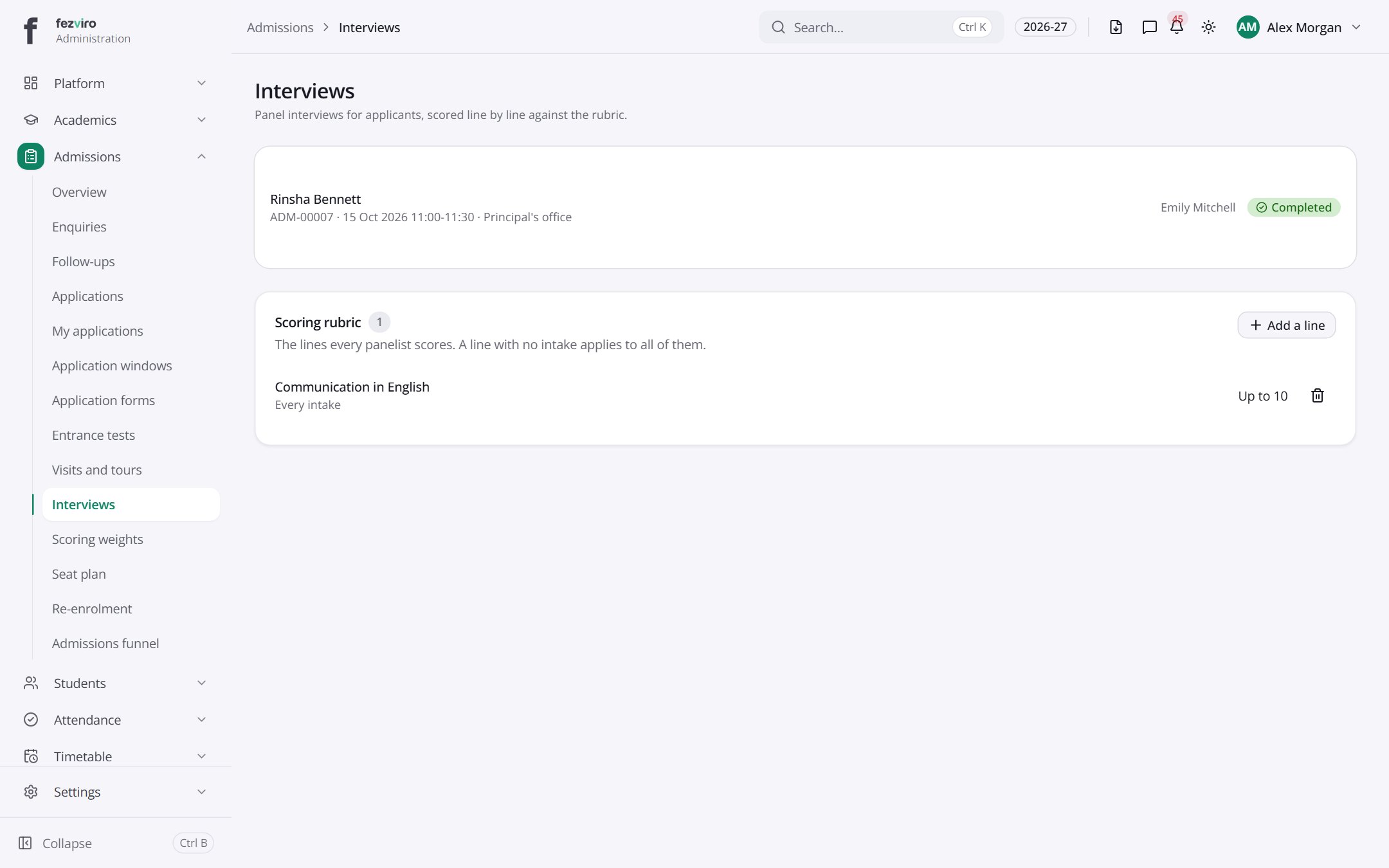 InterviewsFamily interviews booked for applicants, and the scoring guide used in them.
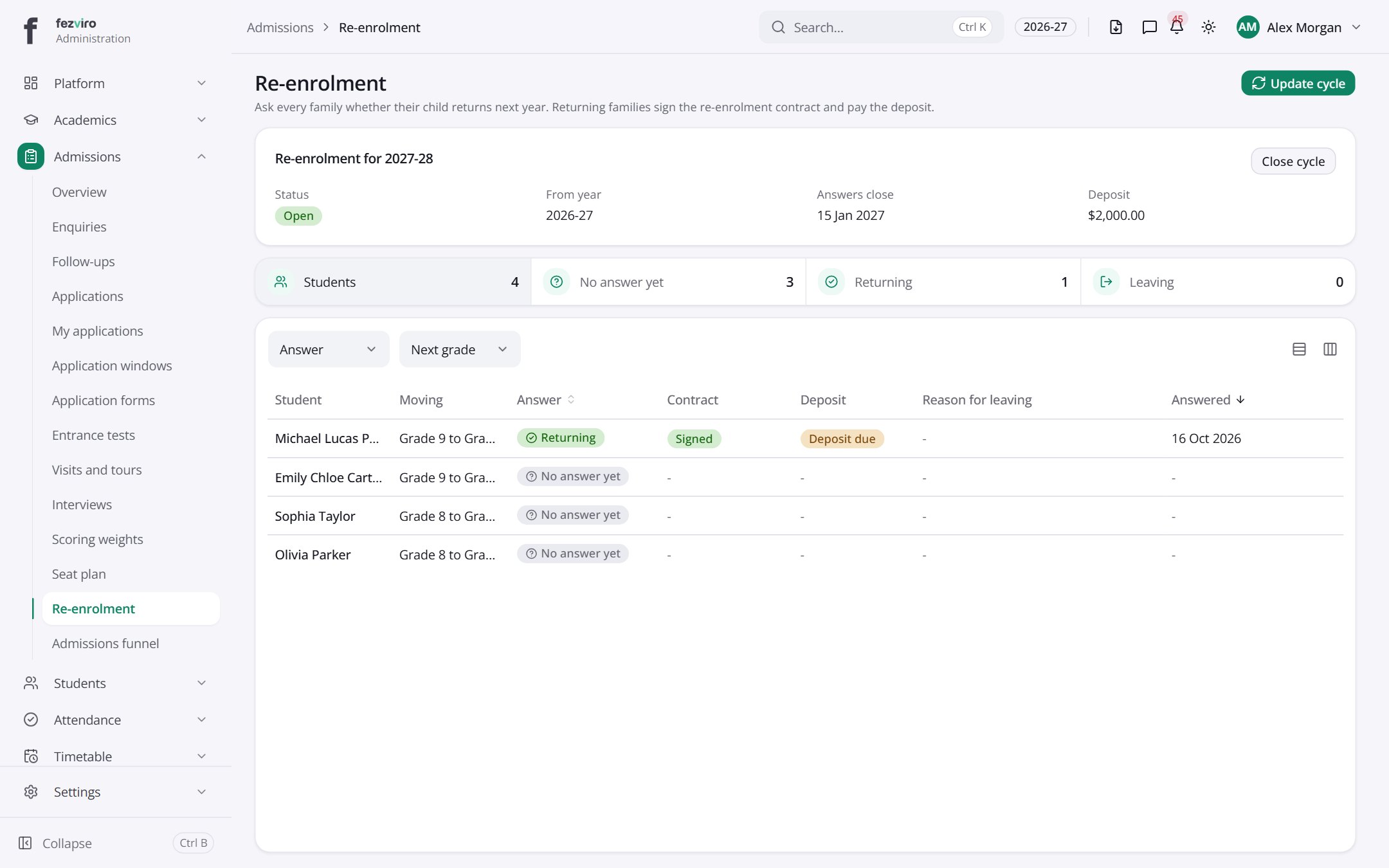 Re-enrolmentNext year's re-enrolment round for every current pupil.
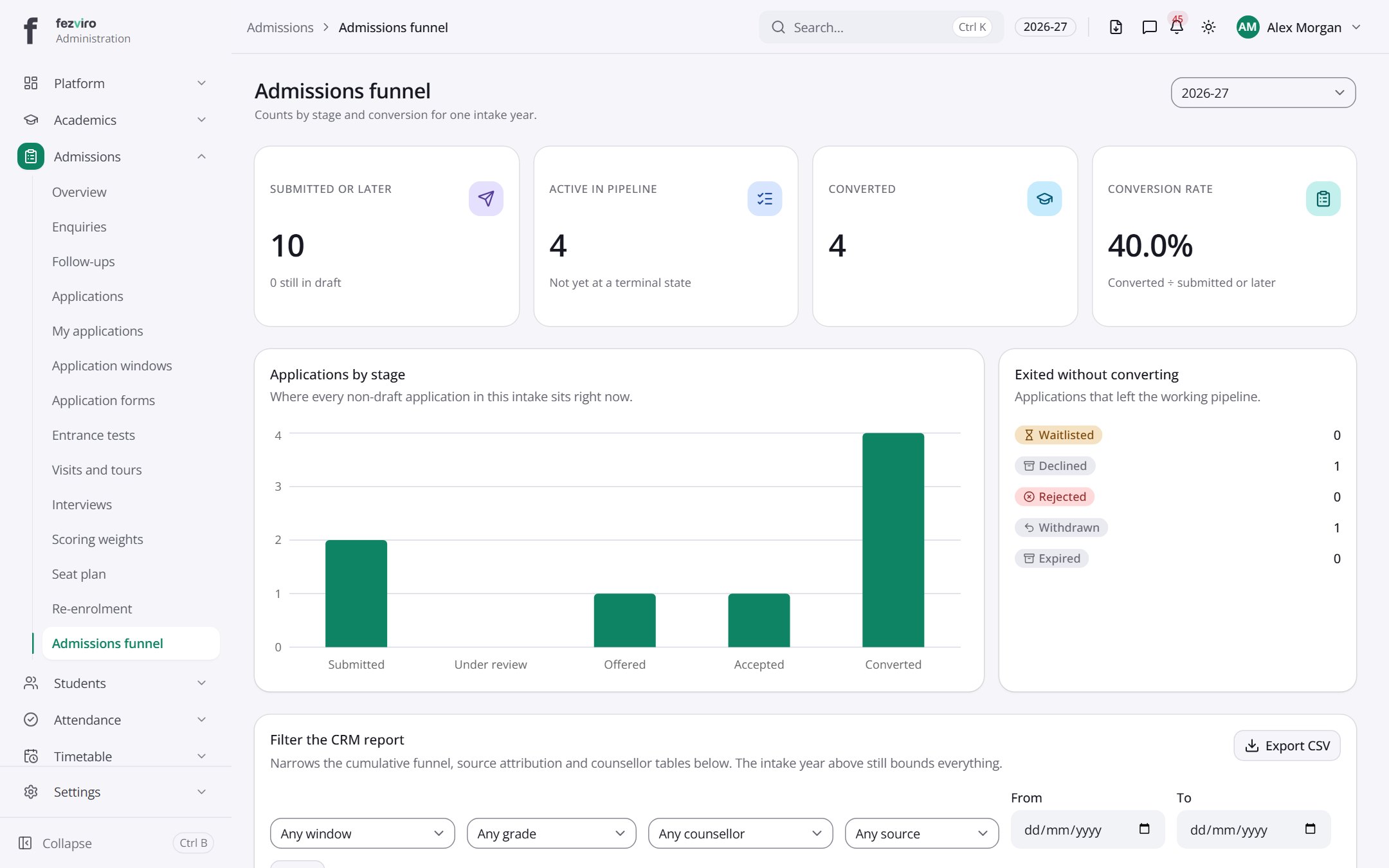 Admissions funnelA summary of how many enquiries become applications and enrolments.
Step by step
Section titled “Step by step”Handle an enquiry
Section titled “Handle an enquiry”- Enquiries arrive from the public enquiry form on your website, or are added by staff in Admissions → Enquiries.
- Assign an owner. The counsellor sees follow-ups in My follow-ups.
- Move the enquiry through stages on the drag-and-drop board until it becomes an application.
Run an admission season
Section titled “Run an admission season”- Open Application windows and open a window per grade with a seat cap and dates.
- Design the online form in Application forms, including required documents.
- Share the public apply link. Parents apply and upload documents without an account.
- Staff review applications, flag duplicates, schedule entrance tests and interviews.
Offer a seat and enrol
Section titled “Offer a seat and enrol”- Publish the merit list from scores (weights set in Scoring weights).
- Send offer letters; parents accept or decline online.
- Convert accepted applicants into students in one click: their data moves across, nothing is retyped.
Questions
Section titled “Questions”Do parents need an account to apply?
No. The application form is public and works on any phone.
How are seats controlled?
Each application window has a seat cap; the seat plan shows filled and remaining seats per grade.
Can we see our conversion funnel?
Yes. Funnel report shows enquiries, applications, offers and enrolments with drop-off at each stage.