

Delivery log
What it is
A record of every message sent and whether it arrived.
Why it matters
Shows families who did not receive a notice, so staff can follow up.
When to use it
Office staff check delivery results after sending a notice or message.
Who uses it
Administrator
How to get here
Section titled “How to get here”- Sign in as Administrator (see Signing in).
- In the left menu, click Communication to open it.
- Click Delivery log.
What you see
Section titled “What you see”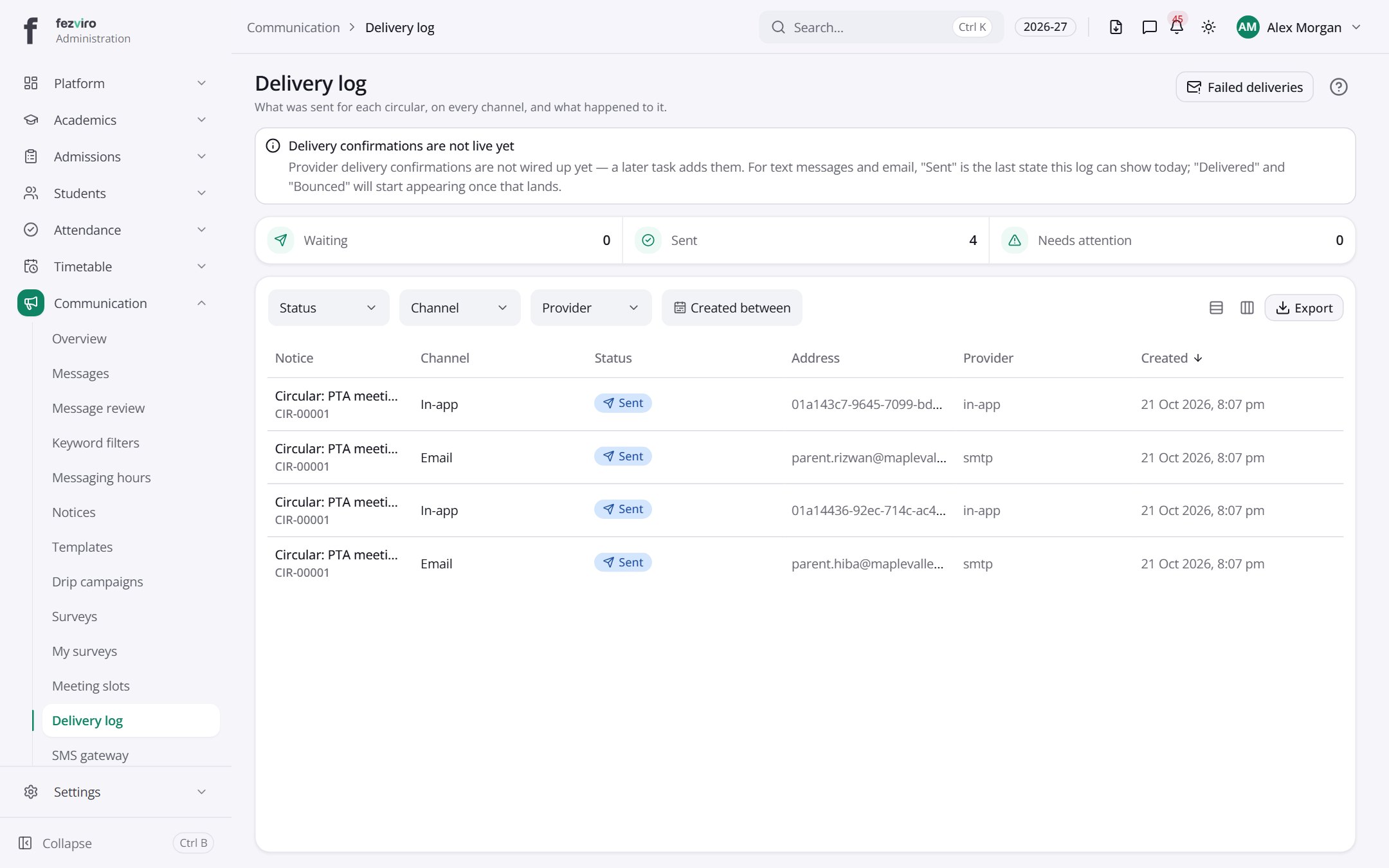
- The list has these columns: Notice, Channel, Status, Address, Provider, Created. Click a column name to sort by it.
Buttons on this screen
Section titled “Buttons on this screen”- Failed deliveries — does what it says on the button.
← Back to Communication overview