

Period close
What it is
The monthly and yearly close of the school's books.
Why it matters
Stops late changes from quietly altering months already finished.
When to use it
Finance staff close each month once entries are in; a senior person approves it.
Who uses it
Administrator
How to get here
Section titled “How to get here”- Sign in as Administrator (see Signing in).
- In the left menu, click Accounting to open it.
- Click Period close.
What you see
Section titled “What you see”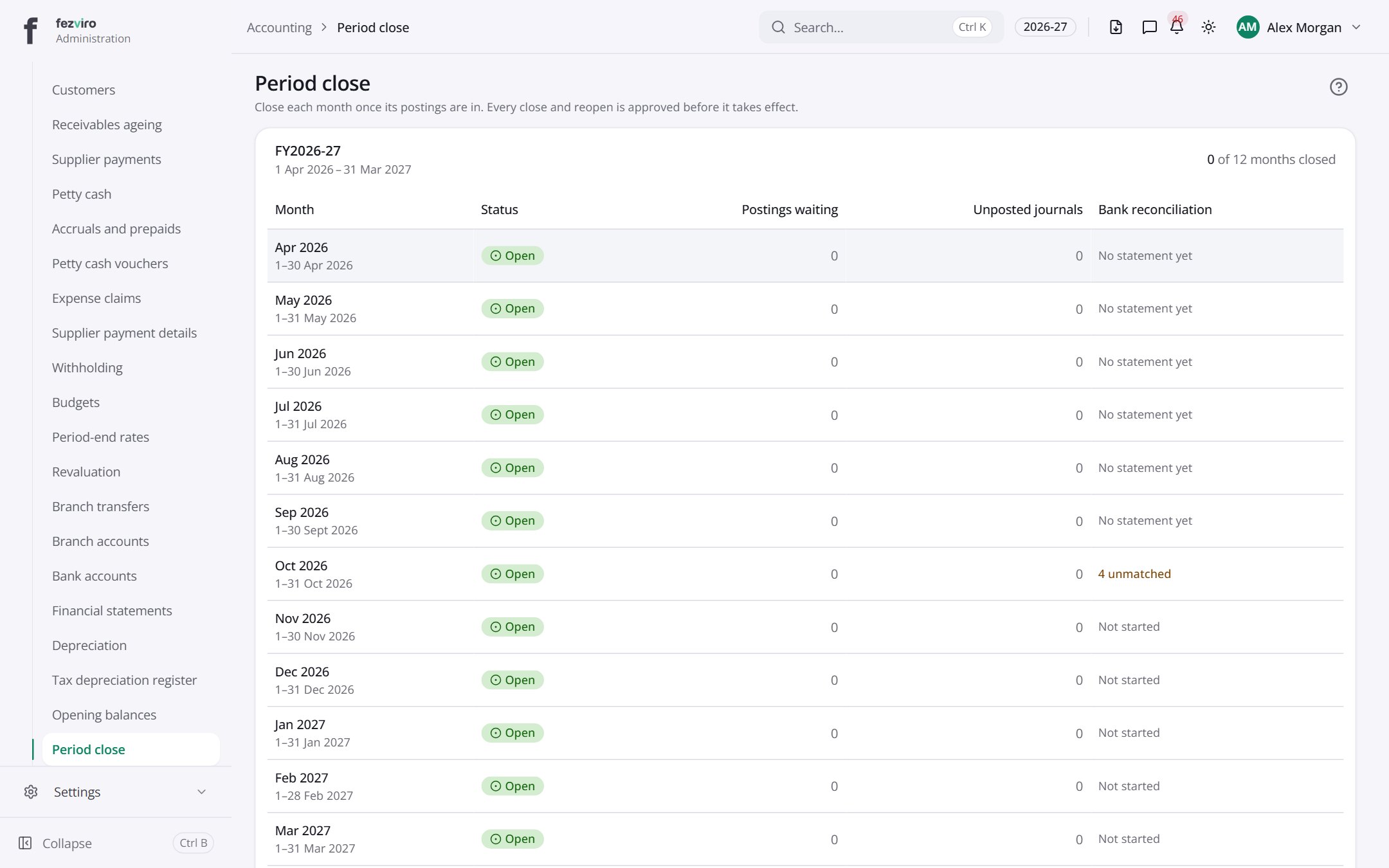
- Sections on the page: FY2026-27.
- The list has these columns: Month, Status, Postings waiting, Unposted journals, Bank reconciliation. Click a column name to sort by it.
← Back to Accounting overview