

What it is
The WhatsApp messaging channel and its approved message templates.
Why it matters
Reaches families on the app they already use every day.
When to use it
Staff sync templates and record which families have agreed to WhatsApp messages.
Who uses it
Administrator
How to get here
Section titled “How to get here”- Sign in as Administrator (see Signing in).
- In the left menu, click Communication to open it.
- Click WhatsApp.
What you see
Section titled “What you see”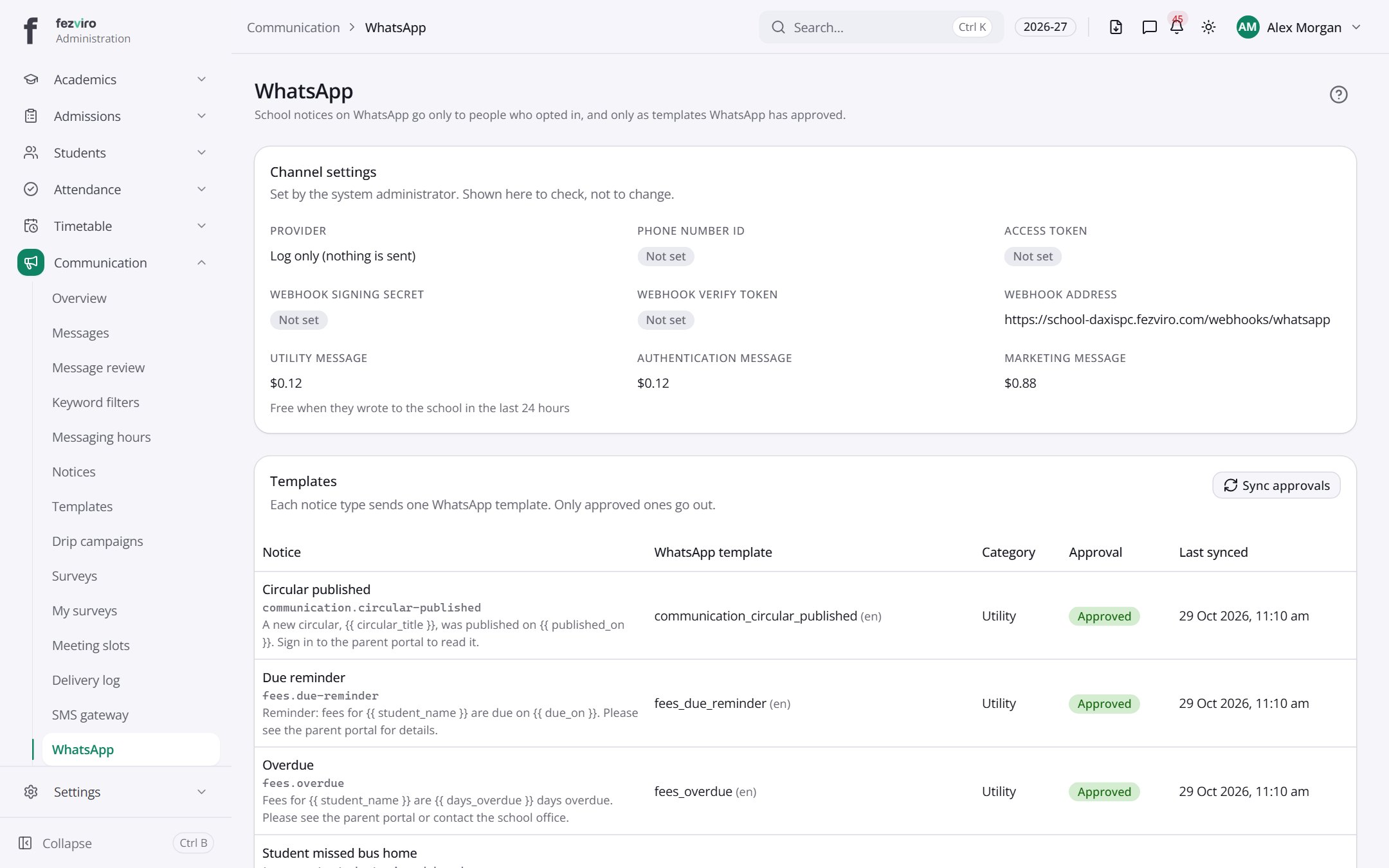
- Sections on the page: Channel settings, Templates, Opted in.
- The list has these columns: Notice, WhatsApp template, Category, Approval, Last synced. Click a column name to sort by it.
← Back to Communication overview