

Funds
What it is
The purposes donors can give to, each with its own money pot.
Why it matters
Makes sure gifts are spent on what the donor intended.
When to use it
Fundraising staff set up each purpose; gifts are then directed to it.
Who uses it
Administrator
How to get here
Section titled “How to get here”- Sign in as Administrator (see Signing in).
- In the left menu, click Fundraising to open it.
- Click Funds.
What you see
Section titled “What you see”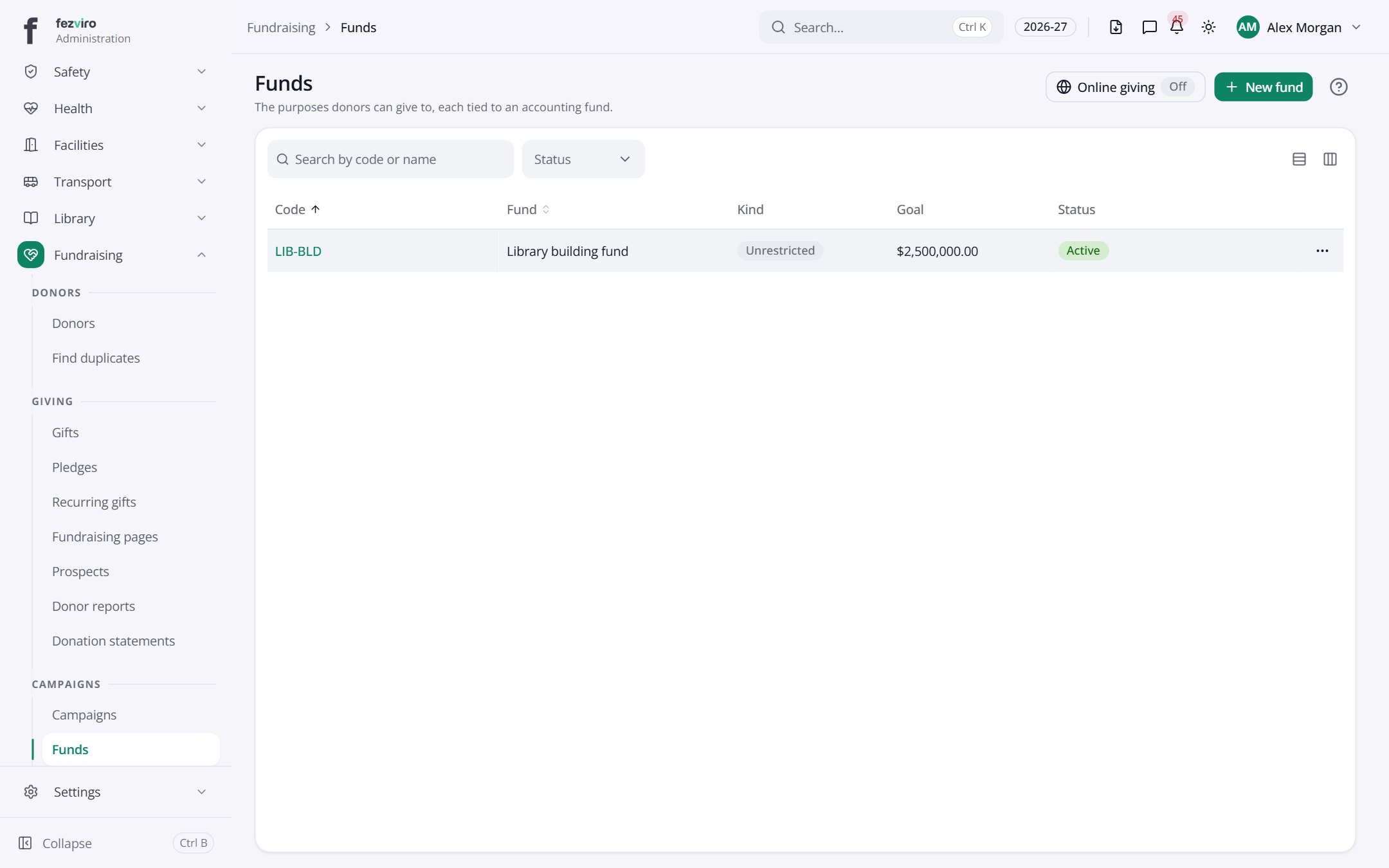
- The list has these columns: Code, Fund, Kind, Goal, Status, Actions. Click a column name to sort by it.
Buttons on this screen
Section titled “Buttons on this screen”- Online givingOff — does what it says on the button.
- New fund — opens a form to add a new one. See Filling in the form below.
← Back to Fundraising overview