

Messaging hours
What it is
The times of day when school messages are allowed to be sent.
Why it matters
Stops late-night messages reaching families and disturbing rest.
When to use it
Administrators set the allowed hours; messages outside them wait until morning.
Who uses it
Administrator
How to get here
Section titled “How to get here”- Sign in as Administrator (see Signing in).
- In the left menu, click Communication to open it.
- Click Messaging hours.
What you see
Section titled “What you see”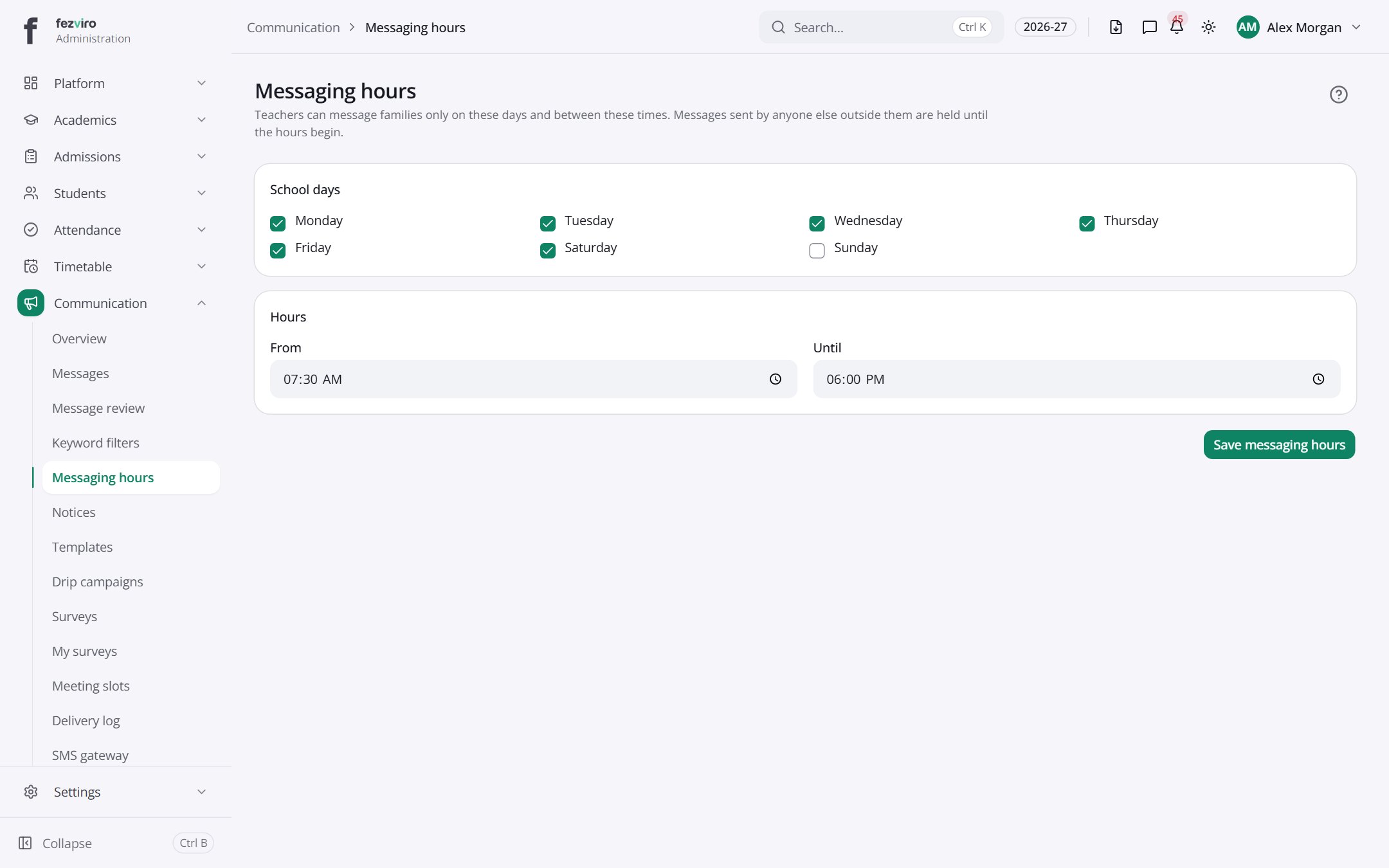
- Sections on the page: School days, Hours.
← Back to Communication overview