

Transport reports
What it is
Reports on bus numbers, seats used and fees.
Why it matters
Shows which routes are full or empty so the fleet can be planned.
When to use it
Transport leads run reports for each term and planning meeting.
Who uses it
Administrator
How to get here
Section titled “How to get here”- Sign in as Administrator (see Signing in).
- In the left menu, click Transport to open it.
- Click Reports.
What you see
Section titled “What you see”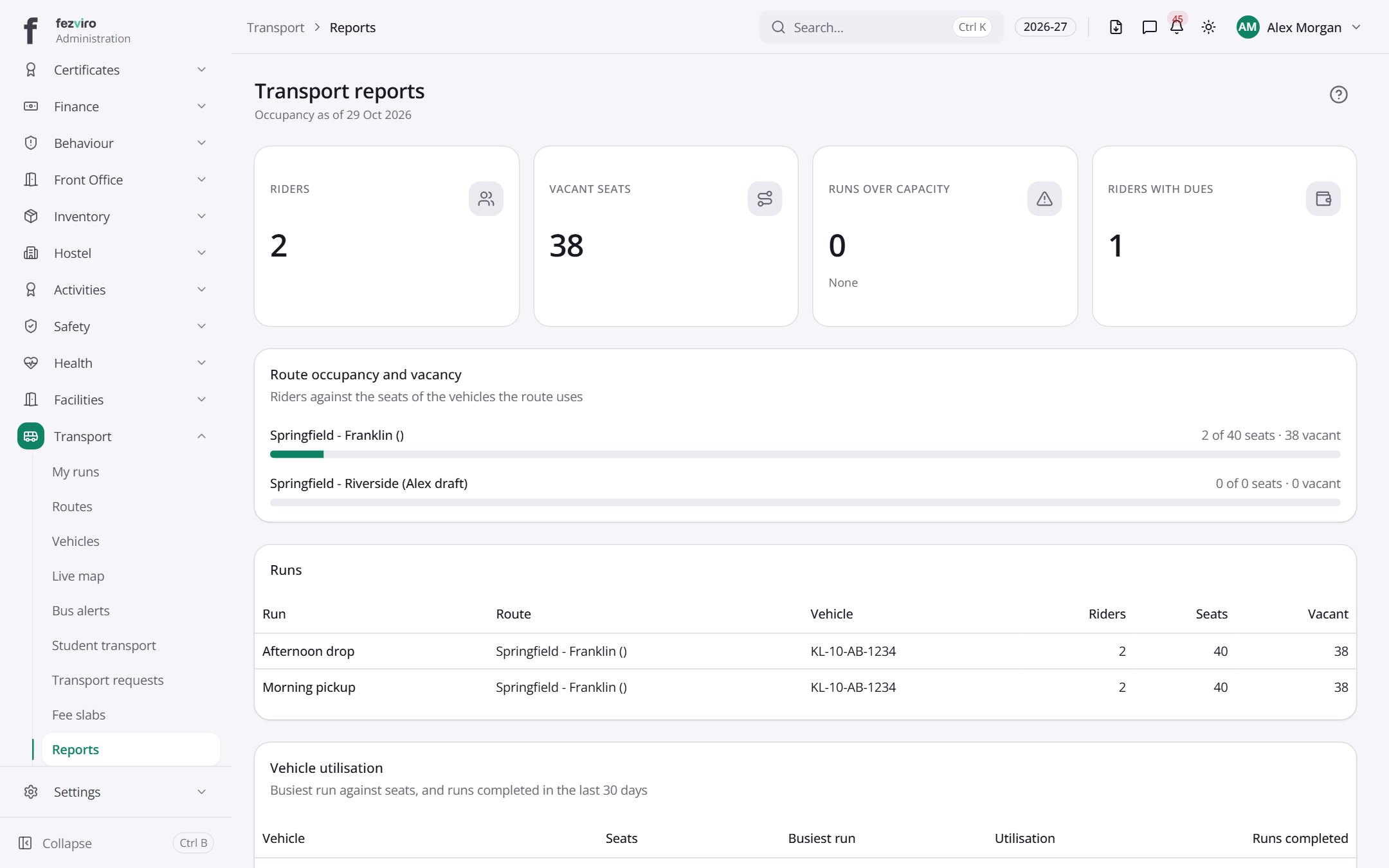
- Sections on the page: Route occupancy and vacancy, Runs, Vehicle utilisation, Riders with dues.
- The list has these columns: Run, Route, Vehicle, Riders, Seats, Vacant, Busiest run, Utilisation, Runs completed, Student, Admission no., Outstanding. Click a column name to sort by it.
← Back to Transport overview